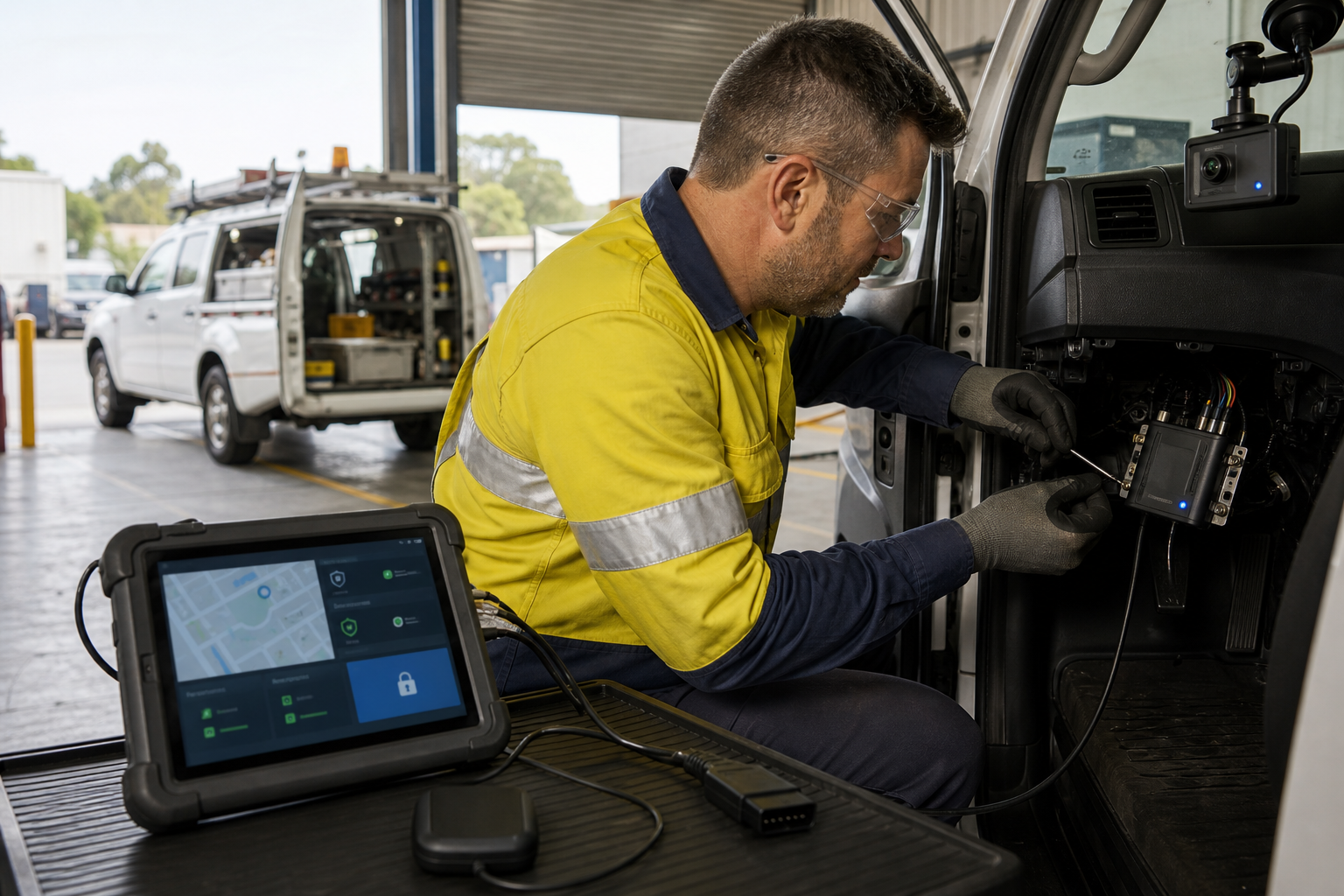
Fleet tracking can help Australian businesses manage vehicles, jobs, maintenance and customer service, but telematics also creates a security and privacy responsibility. Location records, driver information, camera footage and vehicle access data should not be treated as ordinary app settings.
Map every connected fleet component
Keep a current register of vehicle gateways, GPS trackers, dash cameras, diagnostic adapters, field tablets, mobile apps, cloud platforms and supplier accounts. Record what each component collects, where the data goes and who supports it.
Control accounts and supplier access
Use named accounts, strong authentication and separate permissions for drivers, managers, technicians and vendors. Remove access promptly when staff or contractors leave. Avoid shared administrator passwords for fleet platforms and vehicle devices.
Collect and retain less data
Decide what location, driver and camera information is genuinely needed for safety, dispatch, maintenance or customer service. Set retention periods for trip history, footage and diagnostic records. Explain the purpose of monitoring clearly to workers and review access to reports.
Secure the vehicle gateway
Treat telematics gateways and diagnostic interfaces as business technology, not disposable accessories. Track firmware, protect installation points, replace default credentials and document the process for lost tablets, replaced vehicles and decommissioned devices.
Prepare for outages and incidents
Keep a manual dispatch and contact process for platform, mobile-network or supplier outages. Know how to revoke accounts, preserve relevant logs, contact the provider and assess whether a privacy incident needs further action.
Sources
- business.gov.au: Cyber security for business
- OAIC: Privacy guidance for organisations and government agencies




Leave a comment