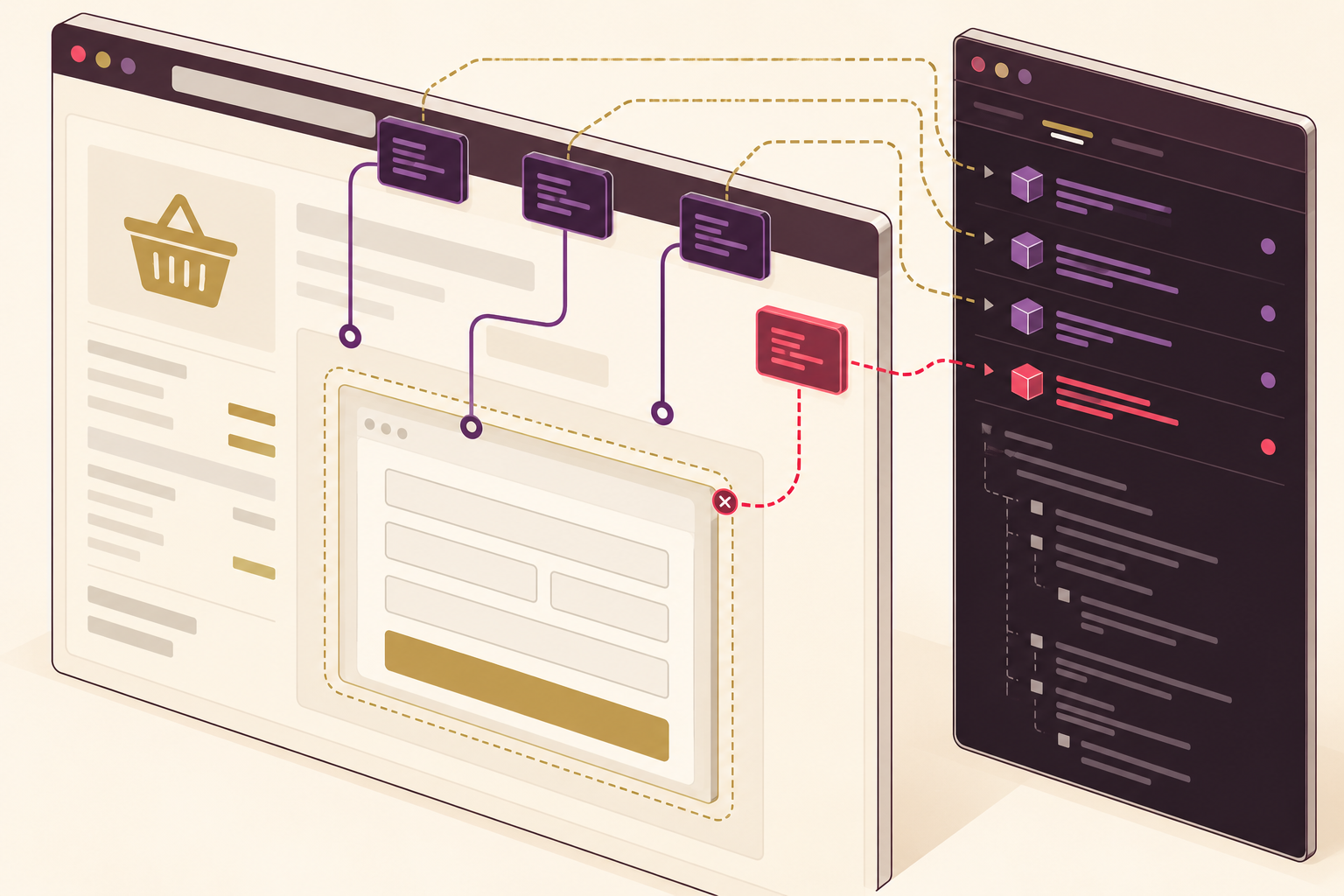
A trusted payment gateway is important, but it does not automatically secure everything running in a customer’s browser. An online shop may also load analytics, chat, advertising tags and plugins. Unauthorised changes to these scripts can put the checkout experience at risk.
For Australian small and medium businesses, the practical starting point is to understand how the checkout works, who can change it and what evidence supports its security. This guide applies established PCI Security Standards Council guidance to that review. It is not a new regulatory announcement or a certification checklist.
1. Identify your actual payment flow
Ask your developer to show where customers enter payment details. Does your page embed a payment provider’s form in an iframe, or send the customer to the provider’s own website? Record the provider, integration method, responsible developer and business owner.
PCI SSC FAQ 1588 makes an important distinction. The specific SAQ A script-related eligibility criterion applies to webpages that embed a provider’s payment page or form. That particular criterion does not apply to redirects or fully outsourced payment flows described in the FAQ. This does not mean redirected checkouts have no security duties or automatically qualify for SAQ A.
2. Build a checkout script inventory
Have your website team identify the scripts that load during checkout, including those introduced through tag managers, plugins and third-party services. Record the source, business purpose, approver and whether the script needs to run on that page. Remove unnecessary additions through a controlled change process, then test that payment and order confirmation still work.
A familiar plugin name is not proof that every script it loads is necessary or safe. Include third-party dependencies and review what changes when a plugin is updated.
3. Confirm protection with the right provider
For embedded forms, the PCI SSC FAQ describes two ways to address the specific script eligibility criterion: use protective techniques, including approaches described in requirements 6.4.3 and 11.6.1, or obtain confirmation from the PCI DSS compliant payment provider that its solution includes suitable protection when implemented according to its instructions.
Ask for written guidance that matches your integration. A general statement that a provider is compliant is not the same as confirmation that your implementation follows its instructions. Do not assume an analytics or advertising supplier can provide payment-provider assurance.
4. Control changes and act on unexpected ones
- Restrict who can publish website code, payment settings and tag-manager changes.
- Use individual accounts and appropriate multi-factor authentication.
- Have your developer assess suitable script authorisation, integrity and payment-page change-detection controls for your environment.
- Assign an alert owner and an escalation contact. A tool that sends warnings to an abandoned inbox is not an effective operating process.
- Test changes in a safe environment using your provider’s test-payment facilities, not real customer card details.
These are practical operating recommendations. The exact controls and validation obligations depend on your payment environment and the requirements of your compliance-accepting entity.
5. Keep a small evidence pack
Keep the payment-flow record, script inventory, provider instructions and confirmation, approved changes, test results and alert-response notes together. Review them after checkout redesigns, new marketing integrations or provider changes.
Check with your merchant bank or payment brands whether an SAQ is required and which questionnaire is appropriate. Do not choose a form solely because it is shorter. Where the setup is complex, get advice from a suitably qualified payment-security specialist.
A useful action this week
Ask your website developer and payment provider one question: which scripts can affect our checkout, and how would we know if an unauthorised change occurred? Turn the answer into an owned, documented review rather than another checkbox.
Xpansion Technologies can help your business review website integrations, access controls and change processes, working alongside your payment provider and specialist advisers where needed.
Sources
- PCI SSC: PCI Data Security Standard
- PCI SSC FAQ 1588: SAQ A eligibility criteria for scripts
- PCI SSC: FAQ clarifies SAQ A eligibility for e-commerce merchants


Leave a comment