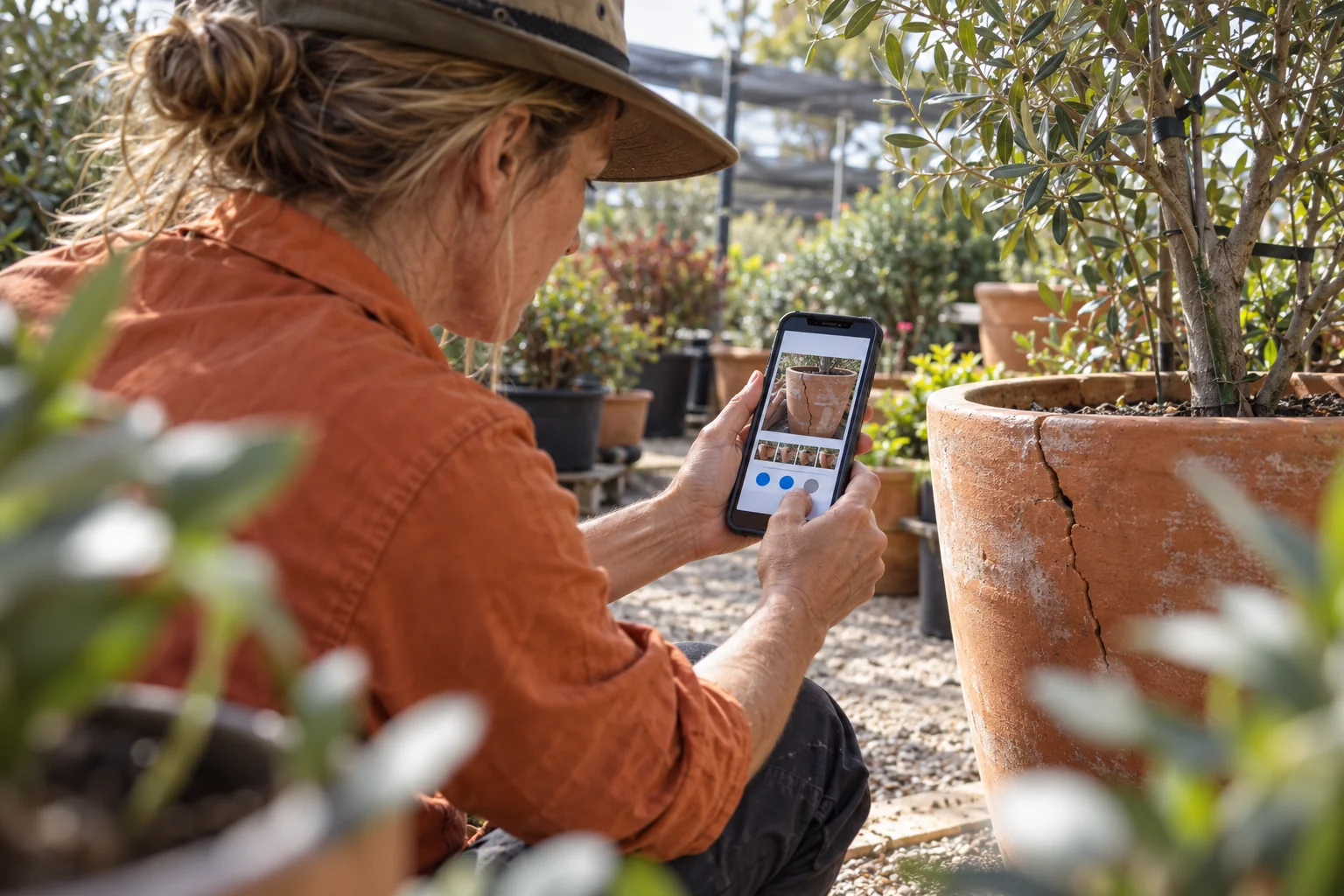
A staff member photographs damaged stock, adds a note in your mobile app and taps Save. Back in the office, the record is missing. They try again when reception improves. Now there are two reports, one without its photos.
For an Australian nursery, maintenance business or inspection team, this is not simply a connectivity problem. It is a mobile application design problem: the app has not made the difference between saved on this device and received by the business clear enough.
Before commissioning a new app or renewing an existing field-work platform, define what must survive a weak connection. Then test that outcome, not just the appearance of the screen.
Make the promise smaller and more useful
Offline-first does not mean every feature works without internet. Google’s Android architecture guidance describes an app that can perform all, or a critical subset, of its core functions offline, with local and network data sources.
For a stock-damage report, the essential offline journey might be opening an already downloaded location list, recording a quantity, taking photos and safely storing the report. Confirming current stock availability across every branch may still require an online check.
Write those boundaries into the development brief. An app should not promise that a customer booking is confirmed, a payment is authorised or scarce stock is reserved merely because a local draft exists.
Use three states, not one reassuring tick
A practical design distinguishes a local draft, a record waiting to synchronise and a record acknowledged by the server. Photos can have a separate pending state: uploading a small text record does not prove its larger attachments arrived.
For example, the nursery worker should be able to close and reopen the app and see that the damage report remains on the phone. The office should see it as complete only when the required record and evidence have arrived. If an attachment fails, the app needs a visible recovery path rather than silently dropping it.
Android’s guidance discusses persistent local storage and queued work for synchronisation. Those are implementation options, not proof that any particular supplier has built a reliable workflow. Ask the supplier to demonstrate the behaviour on the actual devices your team uses.
Decide what a retry is allowed to do
A connection can fail after the server accepts a report but before the phone receives the acknowledgement. A second tap must not automatically become a second business transaction.
Ask your developer to assign a stable operation identifier and make the receiving API recognise a repeat submission of that same operation. Preserve that identity across retries. For a stock adjustment or invoice request, duplicate prevention belongs on the server as well as in the mobile interface.
Conflicting edits need a separate decision. If the office corrects a stock quantity while a phone holds an older version, which change wins? Google’s Firestore documentation, for example, states that multiple changes to the same document use last-write-wins synchronisation. That product behaviour may suit some records, but it is not automatically the right business rule for stock or approvals. Choose explicit conflict handling where overwriting would be costly.
Run one interrupted job before signing off
Use a test environment and a representative phone. Agree these acceptance tests with the supplier:
- Download the required job or location data, disconnect and create a report with several photos.
- Close and reopen the app. Confirm the saved report and its attachments remain available.
- Restore a poor connection, interrupt an upload and reconnect. Confirm the office receives one report with all required photos.
- Edit the same test record from a second device. Show how the conflict is detected or resolved.
- Test an expired login and rejected server validation. Confirm the worker can recover without losing their work or bypassing access controls.
Also test what happens when storage is nearly full and when a large queue builds up. Background execution depends on platform conditions, so do not promise that every upload happens instantly after connectivity returns.
Keep less customer data on the phone
Offline capability creates a local copy of business information. Limit downloaded records to the person’s role and active work. Specify device protection, retention, logout behaviour and what happens to unsent work when access is removed. Do not casually clear a local cache if it may contain the only copy of a completed report.
There is a trade-off: wider offline access can improve productivity but increases data exposure and synchronisation complexity. Some high-risk actions should remain online-only.
Start with one costly failure
Choose the mobile task that currently causes re-entry, missing evidence or calls back to the office. Define what can be saved offline, what counts as received, how retries avoid duplicates and who resolves conflicts. That is a more useful acceptance brief than asking for an app that simply works everywhere.
Xpansion Technologies can help translate that workflow into mobile-app, API integration and testing requirements, so staff and the office share a clear understanding of when work is actually complete.
Sources
- Android Developers: Build an offline-first app
- Firebase: Access data offline, including synchronisation and conflict behaviour


Leave a comment