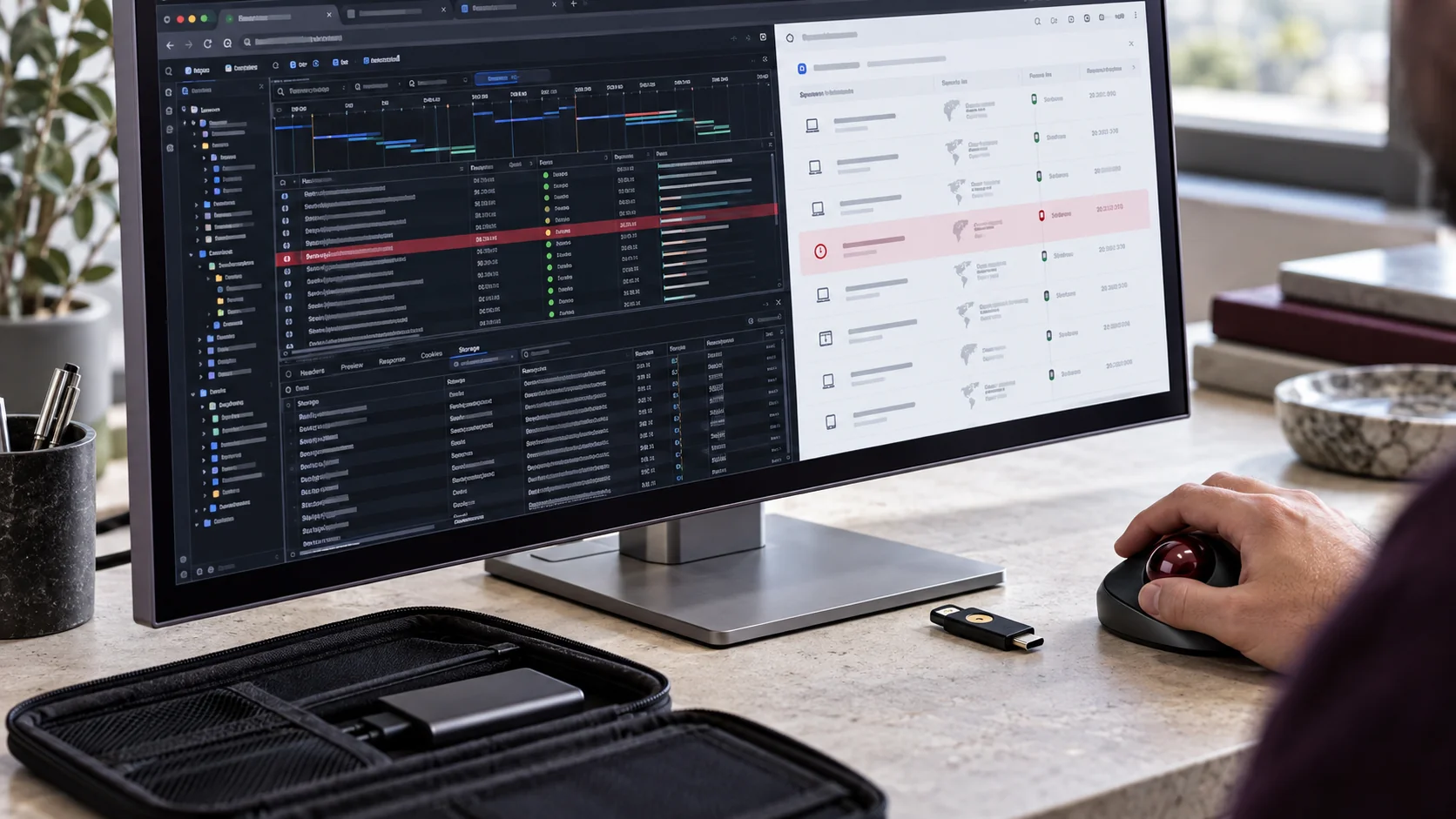
A staff member completes multi-factor authentication and opens the customer portal. Later, an unauthorised person appears to use the same account without asking that staff member to approve another sign-in. How could that happen if MFA is switched on?
One possible explanation is a stolen authenticated session. The attacker is not necessarily defeating the original MFA challenge. They may be trying to reuse the evidence that a user has already signed in. Whether that succeeds depends on the application, the stolen material, its validity and the additional controls in place.
The part of the login that happens after MFA
Web applications often create an authenticated session after a successful login. A browser may receive an authentication cookie that helps the service recognise subsequent requests without asking for the password and MFA again on every page. Not every browser cookie is an authentication credential, and browser sessions, identity tokens and API access tokens are not interchangeable.
The important distinction is between proving who you are at sign-in and protecting the credentials used afterwards. ASD’s Australian Cyber Security Centre explains that information-stealer malware can collect browser data, including authentication cookies and user-session material. Its advisory warns that stolen authentication cookies could let criminals access accounts without satisfying MFA again.
How a compromised device can expose customers
Consider a hypothetical service business where an employee accesses a customer portal from a personal computer. An untrusted download installs an information stealer. If it captures a usable authentication cookie and the service accepts that stolen session, an attacker may obtain the access available to that account.
For a read-only account, the concern could be disclosure of customer names, contact details or service records that the account is allowed to view. An account with broader permissions could expose additional actions, such as changing records or sending messages. The stolen session does not automatically grant administrator rights: the account’s permissions and the application’s checks still matter.
That distinction changes the business response. Customers might receive convincing messages from a compromised account, confidential information could be disclosed, or staff could lose access while an incident is contained. These are possible consequences of a successful compromise, not a claim that an incident occurred or that every stolen cookie will work.
Keep MFA, but protect the signed-in session too
MFA remains an important control. The ACSC recommends using it across relevant services, with phishing-resistant MFA as best practice. It also recommends controlling the lifespan of session tokens and cookies. Stronger sign-in controls and session protection address related but different parts of the problem; neither should be treated as a reason to ignore device security.
Ask your IT and cloud providers how each critical service handles session expiry, reauthentication and revocation. Which sessions can an administrator terminate? Does a password change invalidate existing access for that particular service? What protection is available against reuse from an unmanaged device? Obtain service-specific answers rather than assuming one setting works across every application.
NIST’s September 2026 report on protecting tokens and assertions discusses token verification, life-cycle controls and monitoring for identity and cloud systems. It is written for US federal agencies and cloud service providers. Its engineering principles can inform questions for your provider, but the report is not an Australian small-business compliance requirement.
Reduce what a stolen session could reach
Use managed, maintained devices for business access where practical, and define the rules for personal devices. Keep operating systems and applications updated, control software installation and maintain appropriate endpoint protection. The ACSC identifies compromised personal devices used for work as a route into business environments.
Separate everyday accounts from administrative access and limit users to the information and actions they need. Review unusual sign-ins and account activity alongside endpoint alerts. A successful authentication event is useful evidence, but it is not a guarantee that the person using the resulting session is still the authorised employee.
Plan the response before an account is compromised
If information-stealer infection is suspected, use your incident-response process and involve the authorised IT team. Contain the affected device, preserve relevant evidence and assess which accounts and sessions may be exposed. A password reset alone should not be assumed to remove all existing access or make an infected device safe.
With your providers, confirm the appropriate session termination, credential recovery and device-remediation steps, then assess possible data access and downstream changes. For personal information, seek appropriate privacy advice about assessment and notification obligations. Avoid promising that a single button has fully contained an incident without checking the affected services.
Xpansion Technologies can help review the relationship between endpoint protection, cloud identity, account permissions and incident-response procedures. Start with one practical question for each critical system: if a signed-in session is stolen today, how would we detect it, limit its access and end it?
References
- ASD’s Australian Cyber Security Centre: The silent heist, information-stealer malware and corporate network compromise
- NIST IR 8587: Protecting Tokens and Assertions from Forgery, Theft, and Misuse, final publication September 2026




Leave a comment