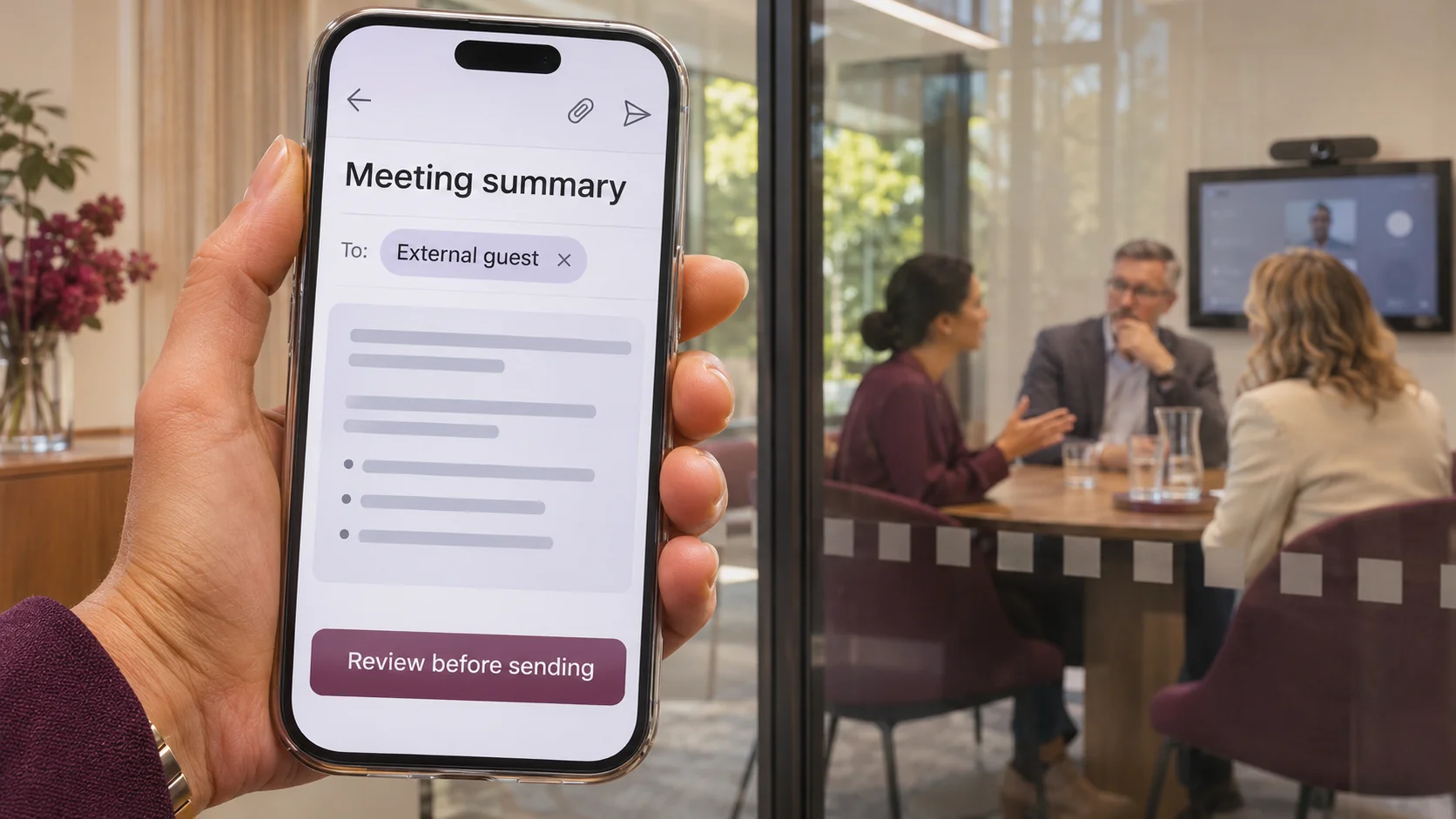
A supplier leaves your project meeting. The internal team stays to discuss pricing limits, a customer complaint and who will negotiate the contract. Afterwards, an AI tool produces a neat summary.
In this hypothetical scenario, someone emails the full summary to the original invite list. The supplier receives information intended only for the internal discussion.
The AI did not need to be hacked or invent anything. The failure was turning a restricted conversation into a new, more widely distributed document.
The meeting ends. The information keeps moving.
Meeting assistants can process speech or transcripts to generate summaries and suggested actions. Depending on the product and settings, recordings, transcripts, notes and emailed copies may have different storage locations, owners and access rules.
Microsoft documents an option to share an intelligent meeting recap with specified external attendees through Outlook. That does not mean every external attendee automatically receives unrestricted access. Its support guidance separately describes limits on accessing the in-app intelligent recap.
An emailed summary and a permission-controlled recap are different distribution paths. Restricting the original recording does not, by itself, establish who can read a separately sent email.
They left the call. Did their access end?
A calendar invitation records who was invited, not necessarily who should receive every later discussion. Leaving a call does not automatically recall an email or revoke separately granted document access.
- Customer risk: A summary could expose personal information or an unresolved complaint.
- Commercial risk: Pricing limits or negotiation strategy could reach a supplier.
- People risk: An informal comment could become a searchable, attributed record.
These are possible consequences, not a claim that Teams or every note-taking product shares content this way by default.
Approve the workflow, not just the AI licence
The business owner should define acceptable meeting uses. IT should demonstrate how the chosen product enforces them:
- Control collection: Decide which meetings may be transcribed. Provide clear notice and an appropriate alternative where recording or AI processing is unsuitable.
- Control distribution: Review recipients and content before external sharing. Separate internal-only discussion into a distinct session with recording and transcription checked.
- Control connected services: Approve specific assistants and review their calendar access, data processing, retention and sharing settings. Do not assume a third-party bot follows your Microsoft 365 policies.
- Control the record: Set ownership and retention for recordings, transcripts and summaries. Confirm what deletion affects, including exported copies and legal-hold exceptions.
A “review before sending” instruction is not an enforced approval gate. Where automation sends notes, require a supported approval step or restrict that automation.
Test with a guest account, not an administrator
Before rollout, run a dummy meeting with an internal employee, an external guest and an invited non-attendee. Use fictional content, not customer information.
- Check who can open the recording, transcript and recap separately.
- Review the actual recipients and content of any summary email.
- Remove access and test again from the guest account.
- Confirm which copies remain after the chosen deletion or retention action.
Keep the results, settings and accountable owner. An administrator successfully opening everything proves little about the restrictions other people experience.
A recording banner is not the whole privacy decision
The OAIC specifically discusses AI-generated meeting minutes: organisations covered by the Privacy Act should consider whether collected personal information is reasonably necessary, and consent requirements for sensitive information, subject to applicable exceptions.
Privacy Act coverage, state or territory recording laws, and contractual confidentiality obligations need separate consideration. A visible recording notice is not blanket permission for every later use or disclosure. Seek qualified advice for sensitive meetings.
How Xpansion can support your next step
Xpansion Technologies can help review Microsoft 365 access, connected AI tools and meeting-summary workflows, then test sharing and approval controls against realistic business scenarios. Explore our AI and intelligent automation services to discuss your workflow.
The useful question is not just, “Can AI take our notes?” It is, “Can we demonstrate where those notes go, who can read them and who approves the next share?”
References
- OAIC: Privacy and commercially available AI products, including meeting minutes
- Microsoft Learn: Intelligent recap capabilities and external sharing
- Microsoft Support: Recap access, sharing and data handling
Sources checked 5 November 2026. Microsoft references are technical vendor guidance, not Australian legal requirements. Features vary by meeting type, licence and configuration. Scenario and image are illustrative. General information, not legal advice.

Leave a comment