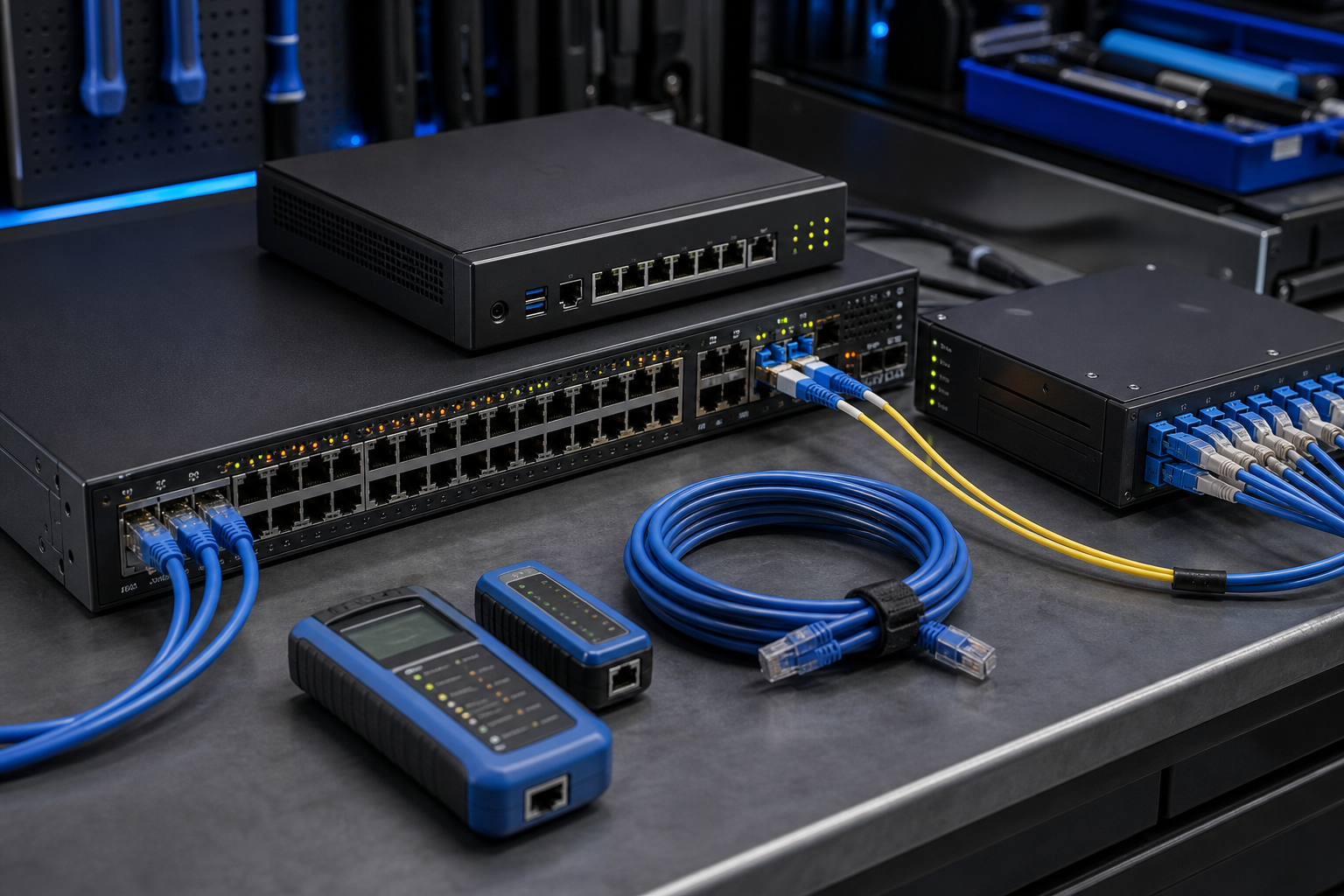
Business Wi-Fi is now part of the operating infrastructure for most Australian small and medium businesses. Staff connect cloud applications, phones, printers, point-of-sale devices, cameras, guest devices and remote-work equipment through the same broad network. When that network is poorly separated or managed, a simple compromise or hardware failure can become a business-wide problem.
Start with a clear network map
Keep a current record of the internet connection, firewall or router, wireless access points, managed switches, important wired devices and support contacts. Record the administrator account owner, firmware version and renewal dates. This does not need to be a complex diagram. A one-page map is enough to help a business recover quickly and recognise equipment that should no longer be connected.
Separate people, guests and devices
Staff Wi-Fi, guest Wi-Fi and business devices should not all sit in one flat network. Use separate wireless networks and sensible firewall rules so visitors cannot browse internal systems. Where practical, isolate printers, cameras, building controls and other connected equipment from computers that hold customer or financial information. Segmentation reduces the damage when one device or account is compromised.
Protect the management layer
Change default administrator passwords, enable multi-factor authentication where the equipment supports it, limit management access to approved devices and remove former support accounts. Keep firmware and access-point software up to date, but schedule updates so the business knows how to handle a short interruption. Export configuration backups after major changes and store them securely.
Plan for an internet or hardware outage
Check which work stops when the primary connection fails. A small business may need a tested 4G or 5G backup, spare network hardware, printed supplier contacts or an offline process for taking orders. Test the recovery steps at a quiet time. A plan that has never been tested is only an assumption.
Review connected devices regularly
Use router or firewall logs to investigate unknown devices, unexpected administrator activity and unusual outbound traffic. Review the device list at least quarterly and whenever staff, premises, suppliers or systems change. If a business cannot explain why a device is connected, it should be checked before it is trusted.
Practical checklist for SMEs
- Separate staff, guest and sensitive devices.
- Use managed switches and a business-grade firewall.
- Protect administrator access with strong credentials and MFA where available.
- Maintain firmware, configuration backups and a simple network map.
- Test backup connectivity and outage procedures.
- Review connected devices and support accounts quarterly.
Sources
- https://www.cyber.gov.au/
- https://www.cyber.gov.au/business-government/protecting-businesses-and-government/essential-cyber-security/essential-eight
- https://www.oaic.gov.au/




Leave a comment