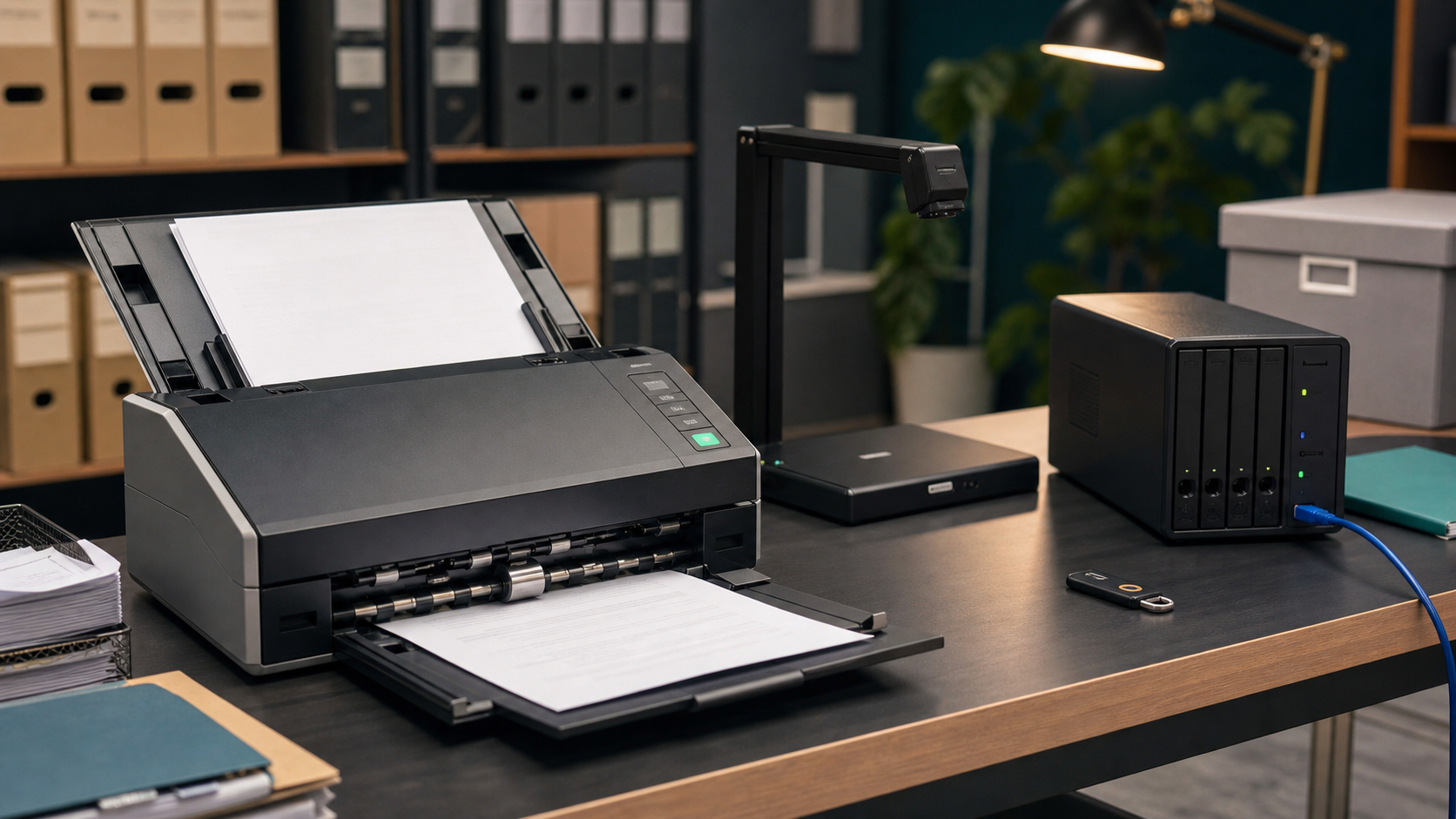
Document scanning and optical character recognition (OCR) can help a small business find records faster, reduce manual data entry and connect paper-based work with cloud systems. The workflow may include a sheet-fed scanner, OCR software, a document-management platform, storage, backups and automation connectors.
That convenience does not remove privacy or security responsibilities. A scanned invoice, application, customer form, employee record or signed agreement may contain sensitive information. Temporary files, shared folders and OCR exports need the same care as the original paper.
1. Decide what should be scanned
Start with a clear business purpose. Identify the records being scanned, the people who need access, the retention period and the approved storage location. Avoid digitising everything without a plan. A simple register helps the team understand what information is moving into digital systems.
2. Control the scanning workstation
Use a managed computer with automatic locking, current software and named user accounts. Keep the scanner in a controlled area and remove paper from trays, desks and output bins promptly. Do not leave completed forms beside a shared device.
3. Review OCR and cloud permissions
Check what the OCR service can read, retain or export. Limit access to the minimum required for each role and enable multi-factor authentication for cloud platforms. Review connected apps, administrator accounts and supplier support access regularly.
4. Protect temporary files and exports
OCR tools may create temporary images, text files or searchable PDFs. Find out where those files are written and when they are removed. Protect exports, email attachments and downloaded copies. Avoid sending sensitive documents through personal accounts or unmanaged file-sharing links.
5. Keep human review in the workflow
OCR can misread names, amounts, dates and reference numbers. Keep a person responsible for checking important extracted information before it changes a customer record, payment, compliance file or business decision. Automation should reduce repetitive work, not hide errors.
A practical monthly review
Once a month, review scanner access, OCR settings, cloud permissions, temporary files, backups, supplier access, retention rules and staff offboarding. These simple controls help a business gain the efficiency of digital records while keeping privacy and security part of the process.
Sources and further reading
- https://www.cyber.gov.au/
- https://www.cyber.gov.au/business-government/protecting-businesses-and-government/essential-cyber-security/essential-eight
- https://www.oaic.gov.au/




Leave a comment