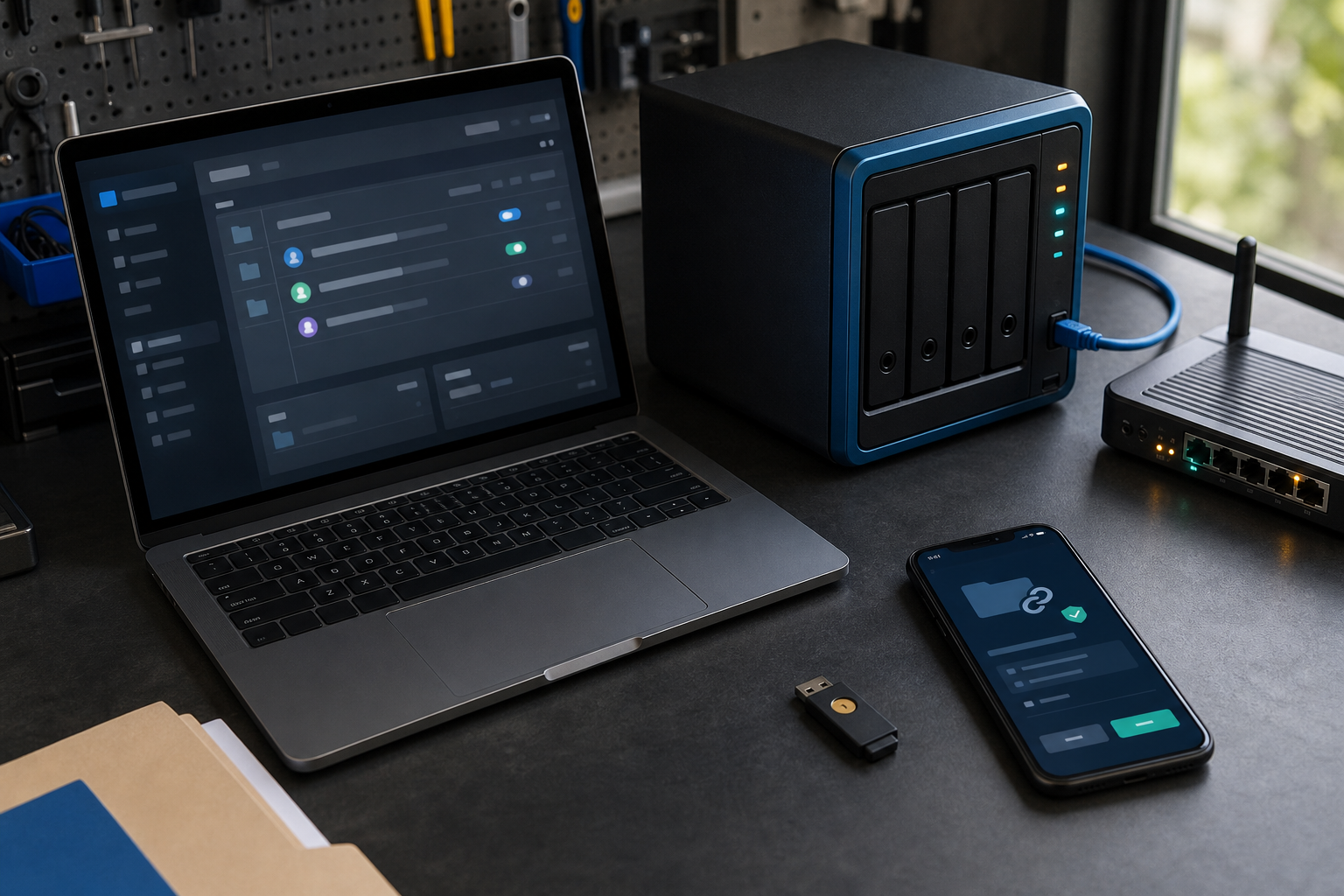
Cloud file sharing is now part of ordinary business work. Staff use it for quotes, contracts, finance records, project documents, customer information and supplier collaboration. The convenience is valuable, but a shared folder can also become a pathway to accidental disclosure, unwanted changes or ongoing access by someone who no longer works with the business.
Map what is stored and who needs it
Start with the business folders that matter most. Record what each folder contains, who owns it, who needs to edit it and who only needs to view it. Separate operational documents from sensitive records where practical. Clear ownership makes it easier to remove old access and decide how long information should be retained.
Use least-privilege permissions
Give people the smallest level of access needed for their role. Avoid using one broad shared account for a whole team. Review administrator accounts separately from ordinary users, and check whether integrations, contractors or former staff still have access. A quarterly review is a useful starting point for a small business.
Control shared links
Public or unrestricted links are easy to forward and difficult to track. Prefer named recipients, sign-in requirements and expiry dates. Disable downloads or editing when the recipient only needs to read a document. When a project ends, close the links and remove external collaborators instead of leaving access available indefinitely.
Protect sign-in and recovery
Turn on multi-factor authentication, especially for administrators, finance staff and anyone who can share folders. Keep recovery methods current and store backup codes securely. Do not allow a departing employee’s mailbox or phone number to remain the only recovery path for a business account.
Keep a protected copy and test recovery
Cloud synchronisation is not the same as an independent backup. A deleted or encrypted file can synchronise across devices. Keep a protected archive or backup that is separated from everyday editing, limit who can change it and test restoring a sample folder. The test should confirm that files, permissions and important version history can be recovered.
Consider privacy and supplier access
Cloud documents can contain personal information about customers, employees and suppliers. Decide what information is necessary, who can see it and how long it should be kept. Review the provider’s security settings, administrator logs, connected applications and data-sharing terms. Keep an internal record of the business purpose for sensitive folders and the person responsible for reviewing them.
A practical monthly check
Each month, review new external shares, administrator activity, inactive accounts, unusual downloads and recently deleted files. Ask one person outside the IT role to confirm that the access rules still match how the business operates. Small, repeatable checks are more useful than a complicated policy that nobody maintains.
Sources
- business.gov.au: Cyber security for business
- Office of the Australian Information Commissioner: Privacy rights





Leave a comment