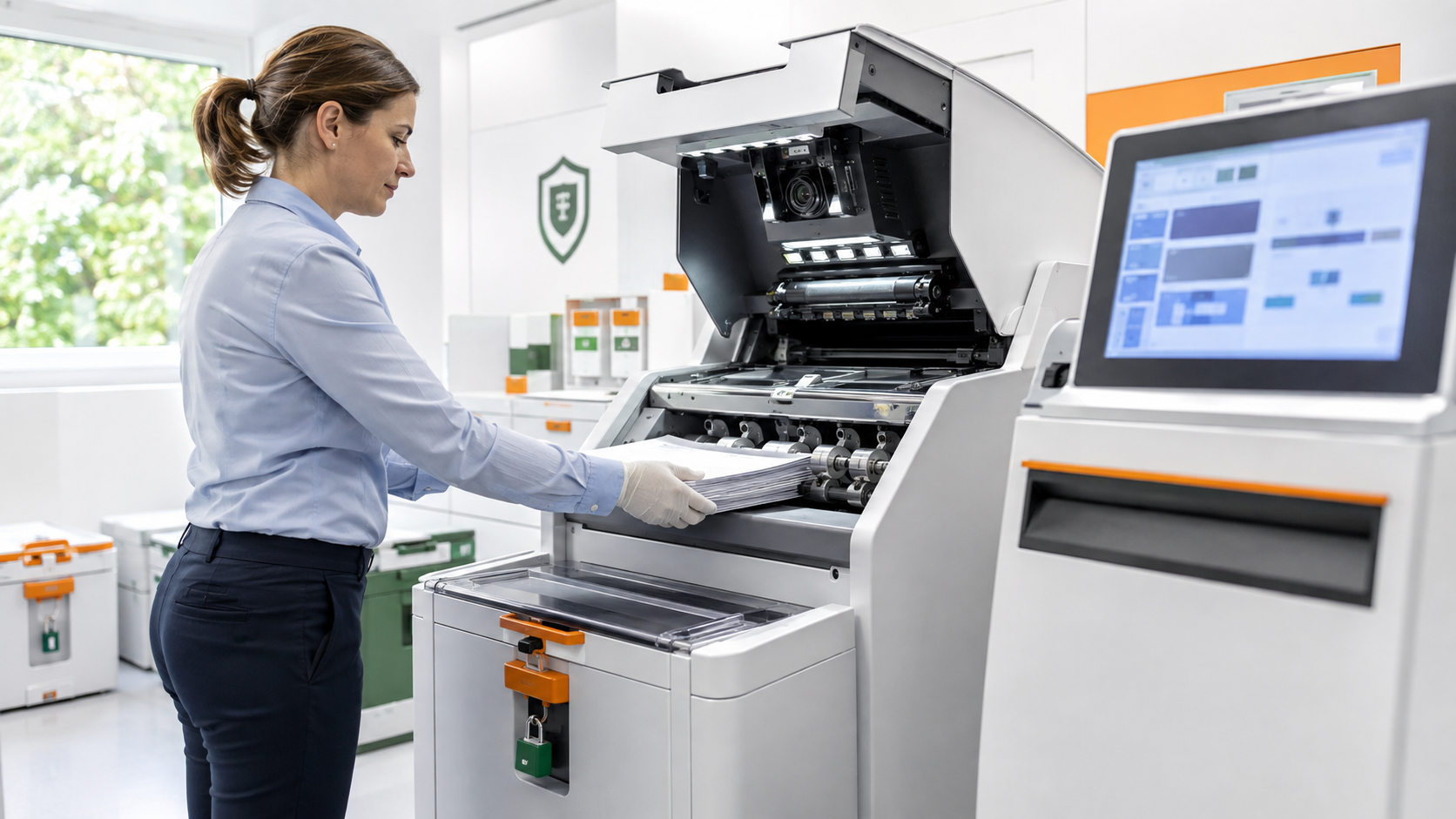
Digitising business records can save time and make information easier to find, but scanning paper into searchable files also creates privacy, access and retention responsibilities.
Decide what should be scanned
Start with a clear business purpose. Identify which records need to be searchable, who needs them and how long they must be retained. Avoid collecting or digitising extra information simply because the scanner makes it easy.
Control access to digital records
Use named accounts and role-based permissions for scanned files. Separate sensitive HR, finance, health or customer records from general operational documents. Review shared folders and cloud permissions regularly, and remove access when roles change.
Check OCR and filing accuracy
Optical character recognition is useful, but it can misread names, amounts, dates and account numbers. Sample-check important documents, confirm that pages are complete and make sure files are attached to the correct customer, supplier or case.
Protect the scanning process
Secure the scanner workstation, temporary files and transfer path. Keep firmware and software updated, restrict administrator access and confirm how a scanning supplier handles paper originals, local caches and cloud uploads.
Set retention and recovery rules
Document when paper originals can be destroyed, when digital copies should be deleted and how backups are protected. Test recovery of a small sample so a system failure does not turn into permanent record loss.
Sources





Leave a comment