Business Wi-Fi often starts as a simple convenience and becomes part of every important workflow. Staff laptops, phones, printers, cameras, point-of-sale equipment, visitor devices and building sensors may all depend on the same wireless environment. That makes access design a business control, not just a technical setting.
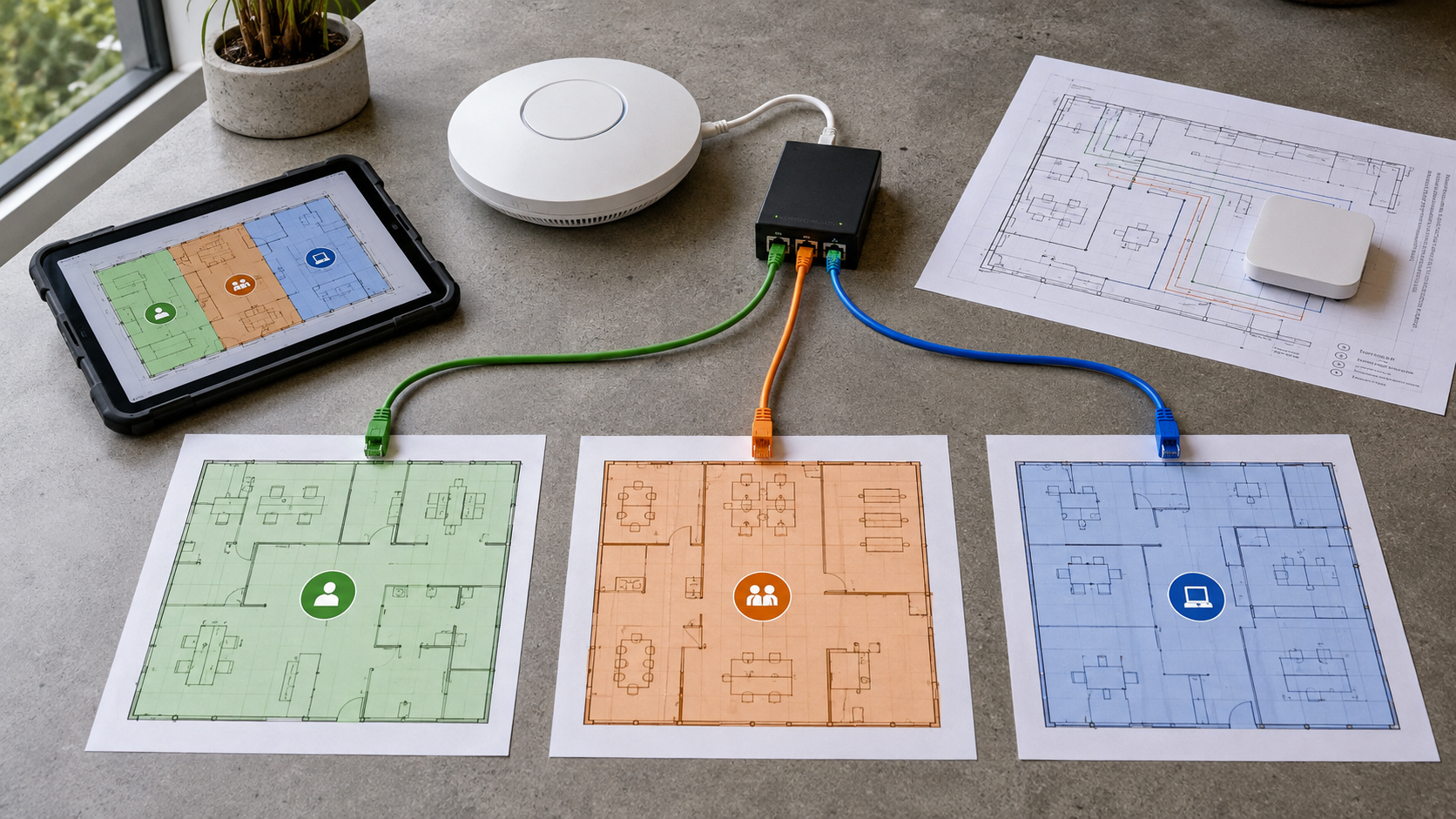
Wi-Fi segmentation means separating devices and users into controlled network zones. A practical small-business model is to create distinct access for staff, guests and IoT or operational equipment. The exact design depends on the premises and systems, but the principle is consistent: a device should reach only what it needs.
Start with three clear zones
Staff access can connect to approved business applications, printers and cloud services. Guest access should provide internet connectivity without exposing internal systems. IoT and operational devices, such as cameras, sensors or payment equipment, should be isolated and allowed to communicate only with their required controller or service.
Protect the administrator path
Use a unique administrator account and strong multi-factor authentication where the equipment supports it. Change default credentials, restrict management access to authorised devices and keep the access point, router and related software updated. Do not manage network equipment from an open guest network.
Make onboarding deliberate
Keep an inventory of wireless devices, their owner, purpose and network zone. Remove old devices promptly. A new camera, printer or smart appliance should not be added simply because it connects successfully. Confirm what data it handles, who maintains it and where it needs to communicate.
Test the boundaries
Ask a technician or managed IT provider to test whether a guest device can see staff systems, whether an IoT device can reach unnecessary services and whether lost equipment can be removed quickly. Review connected-device lists and logs after major changes.
Practical checklist
- Create separate staff, guest and IoT or operational access.
- Replace default credentials and restrict network administration.
- Record every important wireless device and its business purpose.
- Apply firmware updates and remove equipment that is no longer supported.
- Test isolation from a real guest device and review exceptions regularly.
Good Wi-Fi security is not about buying the most expensive equipment. It is about reducing unnecessary trust between devices, documenting the design and testing whether the controls work in daily business conditions.
Sources




Leave a comment