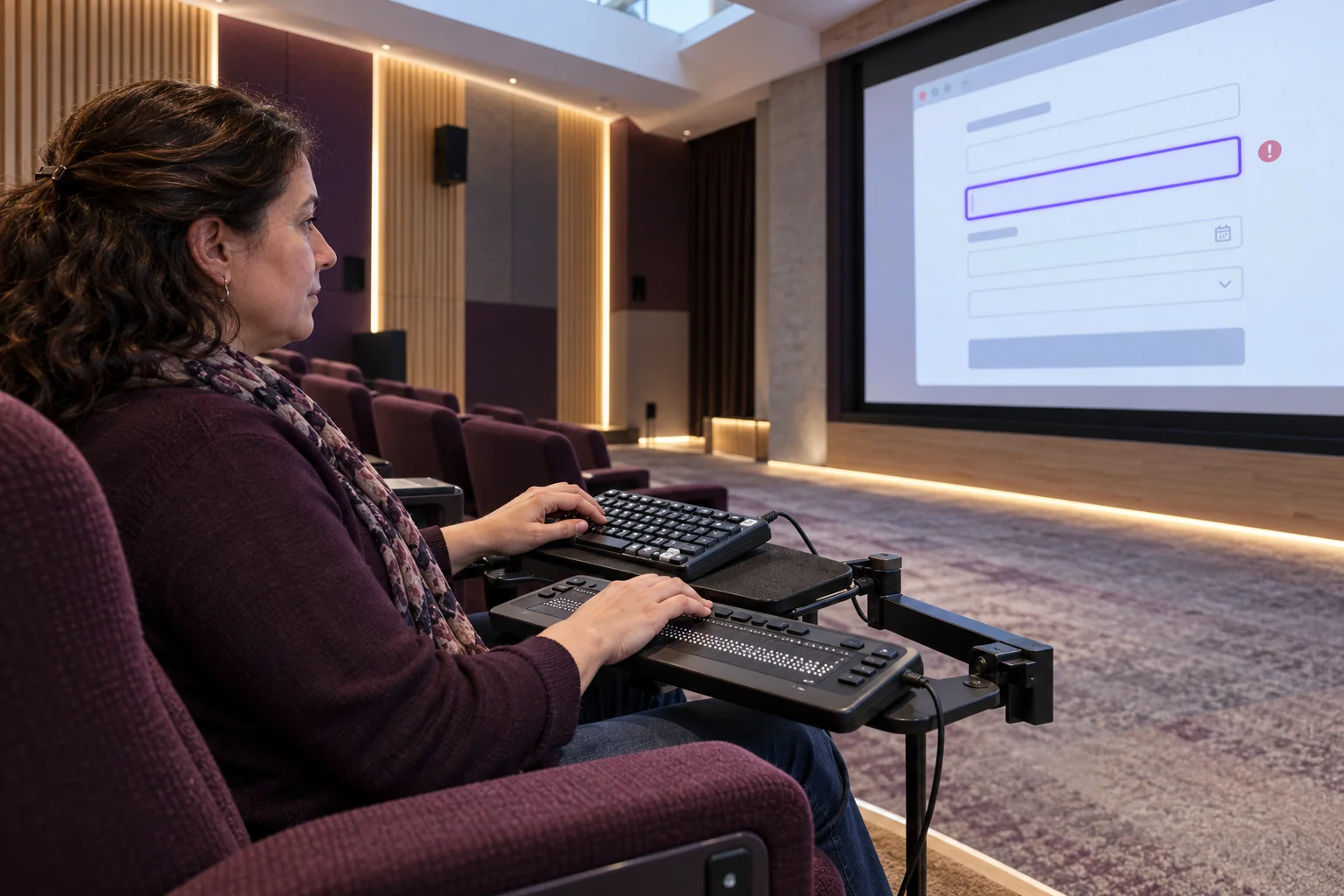
Your quote form works in a mouse-based demonstration. A customer tabs through it, reaches the date picker and cannot select a day. Another submits an incomplete enquiry and cannot find the error. The website is online, but the customer journey has stopped.
For Australian small and medium businesses, this is a practical application-development problem. Before buying another form plugin or redesigning a page, test whether a customer can complete the whole task without a mouse. A booking, application or quote request is only useful when people can reach the confirmation.
Start with one real customer journey
Choose a high-value task, such as requesting a service appointment. Use a staging site or clearly marked test enquiry, with permission from whoever receives submissions. Record the browser, page version and result. Do not put real customer details into a test.
Set the mouse aside after loading the page. Use Tab and Shift+Tab to move between controls, and the appropriate keyboard commands to activate them. Standard buttons generally support Enter and Space; menus, date pickers and other composite widgets may use arrow keys. Ask the developer to document any unfamiliar interaction rather than expecting customers to guess.
W3C’s keyboard guidance requires functionality to be available through a keyboard interface, with a narrow exception for inherently path-dependent input such as freehand drawing. An ordinary enquiry form is not that exception. Keyboard access also supports people using alternative input technologies, not just customers using a conventional keyboard.
Follow the focus, not just the page design
At every step, can you tell which field or button will receive your next action? Check the navigation menu, consent banner, form fields, file attachment control and submit button. A beautiful colour scheme does not compensate for an invisible focus indicator.
Test the page with its normal cookie banner, sticky header and chat widget present. W3C’s WCAG 2.2 Focus Not Obscured (Minimum) guidance says an item receiving keyboard focus must not be entirely hidden by author-created content. That is a minimum, not an ideal design target. Aim to keep the whole focused control and its indicator clearly visible.
For example, a fixed chat panel might cover the final consent checkbox on a smaller screen. Fixing the form alone will not solve that obstruction. The developer may need to change the overlay behaviour, spacing or responsive layout.
Deliberately make a mistake
Submit the form with a required field empty. Then try an invalid email address and a telephone number with spaces. Can you identify what failed, reach the relevant field and correct it without re-entering everything?
W3C’s form-validation tutorial recommends clear identification of required input and accessible notifications for custom validation. It also encourages accommodating different input formats. A legitimate Australian phone number should not be rejected merely because a customer included normal spacing. Agree accepted formats with the application owner rather than stripping useful information indiscriminately.
Do not confuse helpful browser validation with security. Client-side checks can be bypassed. The server must validate submitted data as well, while returning understandable errors. Both layers should follow the same business rules.
Give the developer a reproducible fault
Instead of reporting that the form is difficult, capture a specific sequence: open the booking page, tab to the date field, press the documented key, observe that no date can be selected. Include the expected result and a short recording where appropriate, without exposing personal information.
Prefer native HTML controls when they meet the requirement. A custom calendar may offer a richer appearance, but it also brings keyboard behaviour, focus management and assistive-technology testing obligations. The trade-off is ongoing maintenance, not just initial development cost.
When a modal opens, check that keyboard interaction stays in the active dialog and that focus returns sensibly when it closes. Do not repair one focus problem by trapping customers somewhere else. Test third-party booking widgets and embedded forms too; a supplier component is still part of your customer journey.
Set a release condition, not a one-off promise
For the next website update, make completion of this journey an acceptance requirement: reach every necessary control, correct an error, submit once and receive a clear confirmation. Confirm separately that the business actually receives the test request. Repeat after changing form plugins, themes, consent tools or embedded services.
A keyboard walkthrough is a useful starting point, not a complete accessibility audit or a legal-compliance certificate. It does not establish screen-reader compatibility, sufficient contrast or every other requirement. Include assistive-technology testing and people with relevant access needs in a broader review.
Xpansion Technologies can help Australian businesses turn these findings into practical website and web-application improvements, with clear acceptance tests before release. Start with the form that matters most to customers, not a vague promise to make everything accessible later.
Sources
- W3C WAI: Understanding keyboard accessibility, WCAG 2.1.1
- W3C WAI: Focus Not Obscured (Minimum), WCAG 2.4.11
- W3C WAI: Validating form input


Leave a comment