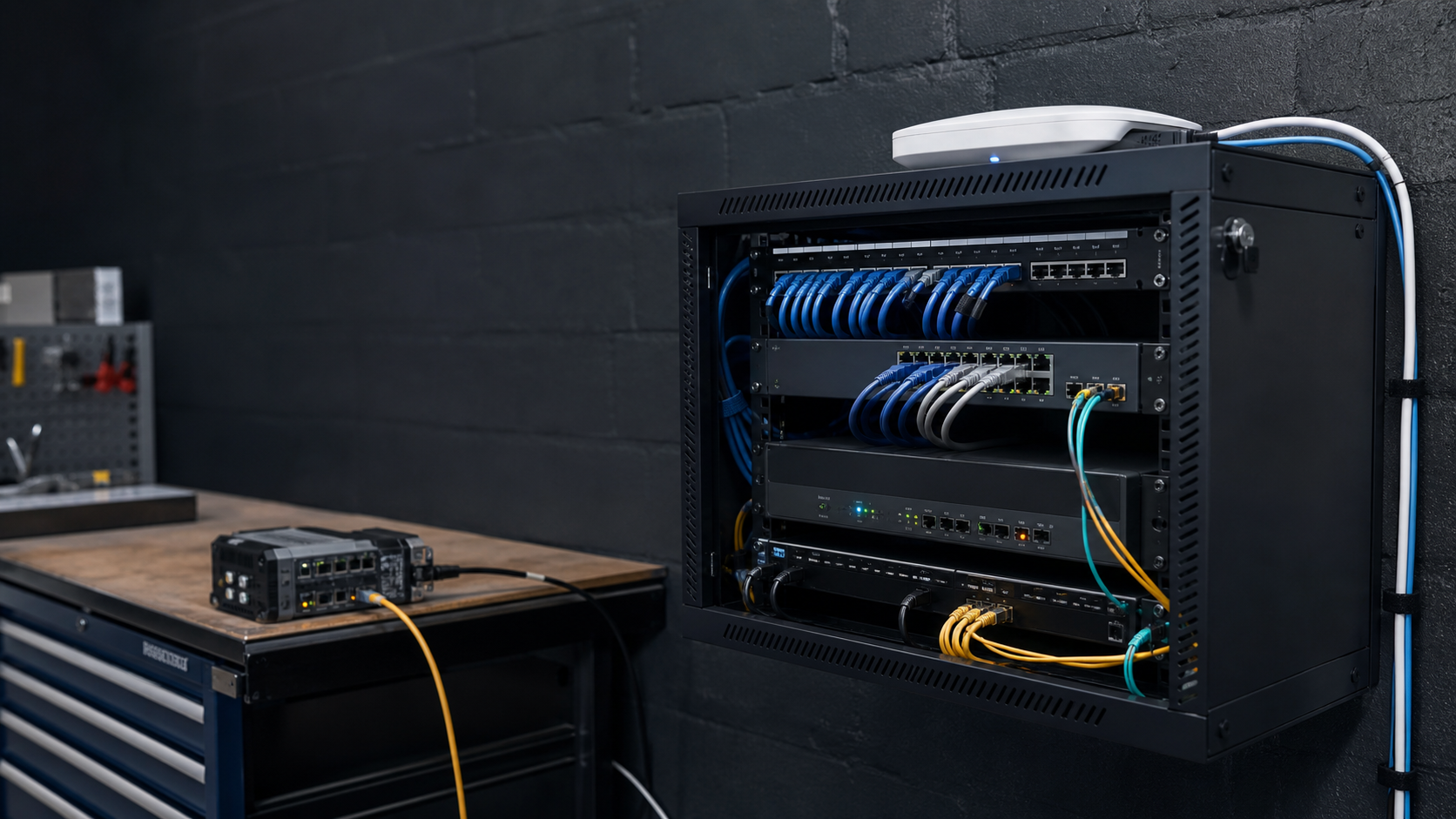
Many Australian small businesses treat Wi-Fi as a single utility: connect the router, share the password and get on with the day. That approach becomes risky when the same network also carries staff laptops, customer devices, printers, cameras, point-of-sale equipment and other connected systems.
A better starting point is segmentation. Instead of allowing every device to communicate freely, the network is divided into separate areas with different access rules. This does not replace patching, strong passwords, backups or endpoint security. It adds a practical boundary that can reduce the impact of a compromised device.
What Wi-Fi segmentation means
A typical small-business setup may use separate network names and VLANs for:
- Staff devices: laptops and phones that need access to approved business services.
- Guests: customers, visitors and contractors who only need internet access.
- IoT and shared equipment: cameras, printers, displays, scanners or building devices that should not freely reach staff systems.
- Management: router, switch and access-point administration, restricted to authorised administrators.
The exact design depends on the equipment and the business. The important principle is to document which devices need to talk to each other, then block unnecessary paths.
Why a flat network creates avoidable risk
On a flat network, a weakly protected printer, old camera or visitor device may sit close to business laptops and shared files. If that device is compromised, an attacker has fewer technical boundaries to cross. A separate guest network also prevents visitors from browsing internal devices by accident.
Segmentation is especially useful for businesses that handle customer information, payment systems, confidential documents or operational technology. It can also make troubleshooting clearer because unusual traffic is easier to associate with a specific device group.
A practical setup checklist
- List the devices. Record staff endpoints, printers, cameras, access points, scanners, payment equipment and anything else connected to the network.
- Separate guest access. Use a guest network with client isolation where supported. Do not share the staff Wi-Fi password with visitors.
- Isolate IoT where possible. Put cameras, smart displays and other devices on a dedicated network unless a documented business requirement says otherwise.
- Use managed equipment. A managed switch and business-grade access points provide better control than an unmanaged consumer setup.
- Restrict administration. Change default administrator credentials, enable MFA where available, limit management access and keep a record of who can change network settings.
- Keep firmware current. Include the router, switch, access points and IoT equipment in the update process.
- Test the boundaries. Confirm that guest devices cannot reach printers, file shares or management pages, while approved staff devices can still use the services they need.
- Plan recovery. Keep a current network diagram, configuration backup and contact details for the person or provider who can restore the setup.
Do not make segmentation too complicated
A good design is one the business can operate. Start with the highest-value boundary: staff versus guests. Add an IoT network when the equipment and risk justify it. Avoid creating many segments without ownership, monitoring and a clear reason for each one.
Review the design when the business moves premises, adds cloud systems, installs new devices, changes its internet service or experiences staff turnover. Network security is an operating process, not a one-time router configuration.
Final takeaway
Wi-Fi segmentation gives Australian SMEs a straightforward way to reduce unnecessary trust between devices. Separate access, controlled administration, current firmware and tested recovery can make a small network safer and easier to manage.
Sources
- Australian Government business.gov.au, Cyber security
- Australian Government Cyber Security Centre, Essential Eight
- Office of the Australian Information Commissioner, Protecting personal information




Leave a comment