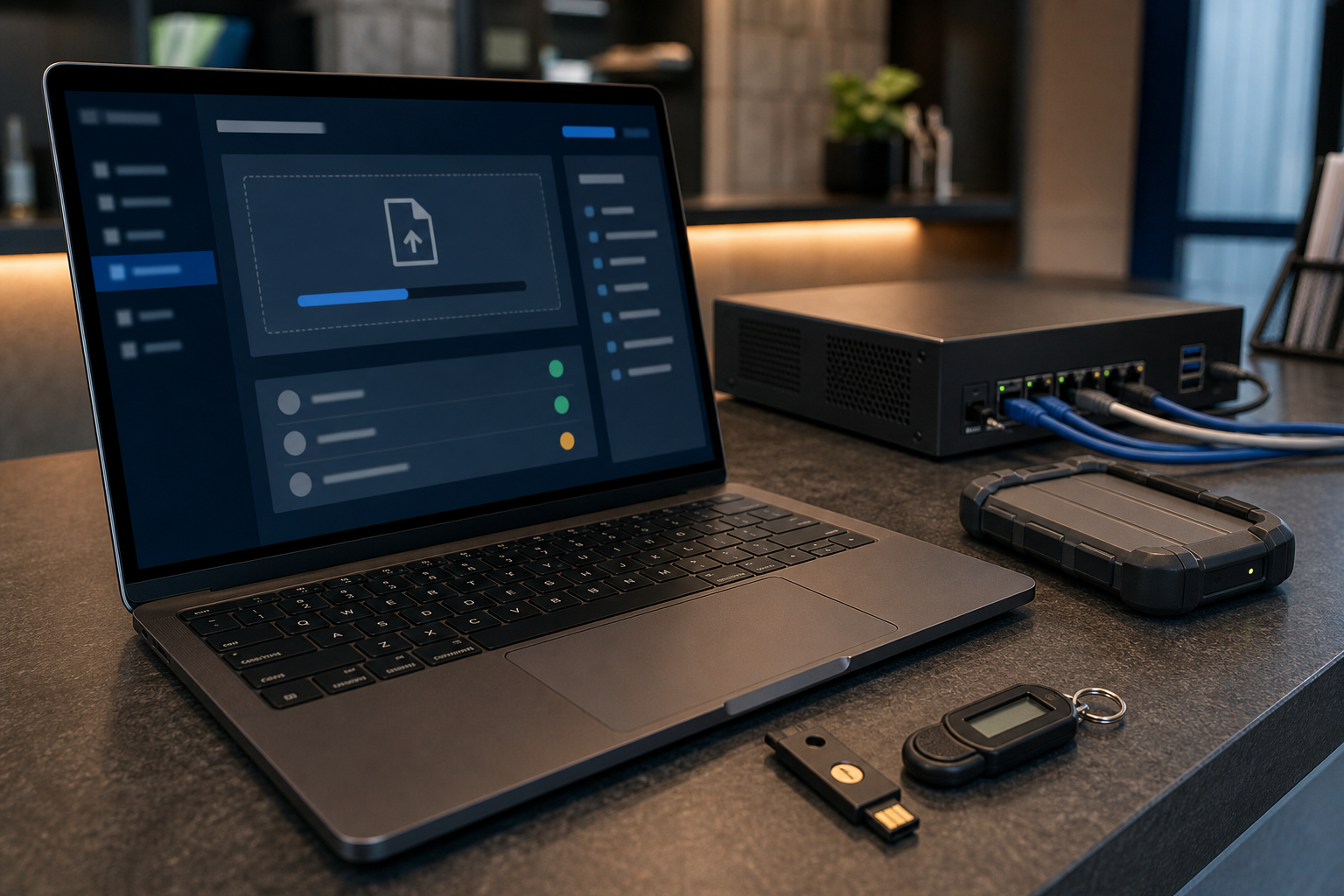
Client portals and upload forms can make a business easier to work with. Customers can send documents, suppliers can provide files and staff can keep work moving without relying on email attachments. The same convenience also creates a responsibility to control access, inspect files and avoid retaining information longer than necessary.
Define what the portal is allowed to receive
Start with a short list of approved file types and business purposes. If a service only needs a booking reference, it should not request a full identity document. Avoid collecting sensitive information by default, and explain why a file is needed, who will use it and how long it will be kept.
Use individual access and least privilege
Give customers, staff and suppliers separate accounts or secure invitation links where practical. Do not use shared passwords. Require strong authentication for administration, review who can download files and remove access when a project or relationship ends. Check old invitations and public links as part of every review.
Inspect uploads before they reach business systems
Uploaded files should be checked for malware and unexpected formats before they are opened or copied into shared storage. Quarantine suspicious files and document who decides whether an upload is safe. Staff should know that a familiar customer name does not prove that an attachment is trustworthy.
Protect files in storage and transit
Use reputable hosted services with encryption, access logging and administrative controls. Restrict direct downloads, avoid placing confidential files in publicly indexed folders and confirm that backups are protected by separate access controls. Test that deleted files and old links are handled as expected.
Set retention and deletion rules
Decide how long each type of document is required for business, legal or accounting reasons. Delete information that is no longer needed, including abandoned uploads, temporary exports and duplicate copies. Keep evidence of important deletion or access-review activities without retaining unnecessary personal information in the evidence itself.
Monitor and practise the response
Review failed logins, unusual download volumes, administrator changes and new external links. Create a simple response process for a suspicious upload or exposed file. Include the system owner, service provider, internal decision-maker and communication steps. A quarterly test can reveal unclear ownership before a real incident occurs.
Sources
- business.gov.au: Cyber security for business
- Office of the Australian Information Commissioner: Privacy guidance



Leave a comment