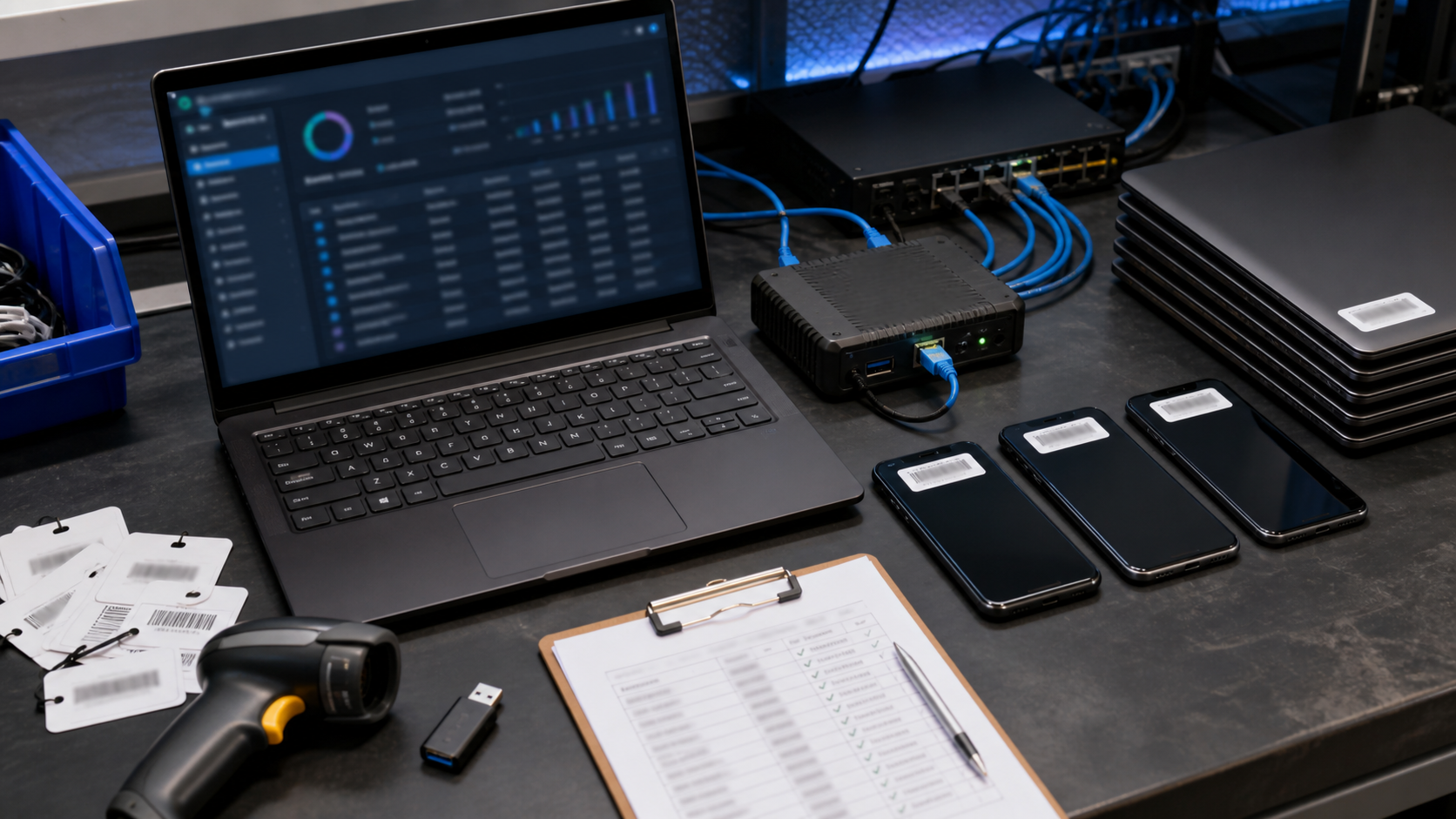
Software is now spread across laptops, phones, cloud platforms, browser extensions, accounting systems, CRMs, file-sharing tools and specialist applications. A small business can easily lose track of what is installed, who owns each subscription and which accounts still have access.
Software asset management does not need a large enterprise platform. It starts with a reliable inventory and a repeatable review process that connects software, devices, people and business owners.
Keep one useful inventory
Record the laptops, phones, tablets, servers, cloud applications, subscriptions and important browser-based tools used by the business. For each item, record an owner, purpose, supplier, renewal date, administrator, data handled and the staff or contractors who need access. Keep the list somewhere that more than one responsible person can reach.
Match software to real business use
Compare paid licences with actual users and activity. Remove unused accounts, duplicate applications and forgotten trials. Be careful with software that stores customer, employee, financial or operational information. The question is not only whether a tool is still being paid for, but whether the business still understands where its data is going.
Review administrator access
Every important system should have named administrators and a controlled recovery path. Avoid shared administrator passwords. Review elevated access after role changes, contractors finishing work and supplier support sessions. Keep multi-factor authentication enabled for email, finance systems, cloud consoles and software that can export business data.
Plan for supplier changes
Before renewing or replacing a platform, record how to export business data, close user accounts, cancel billing and remove integrations. Check connected applications, API keys, shared folders and forwarding rules. An exit checklist prevents a supplier change from leaving old accounts or copies of sensitive information behind.
Retire devices properly
When a laptop, phone, server or storage device leaves service, record the asset, date, responsible person and disposal method. Use a suitable secure-erasure or destruction process for devices that held sensitive information. A factory reset may not be enough for every situation, especially when storage is being handed to another party.
Run a short monthly review
Once a month, compare the inventory with current staff, invoices, device records and cloud administration pages. Ask what has changed, what is no longer needed and what access should be removed. Keep the review simple enough that the business will actually repeat it.
Sources
- business.gov.au: Cyber security for business
- Office of the Australian Information Commissioner: Privacy guidance for organisations and government agencies





Leave a comment