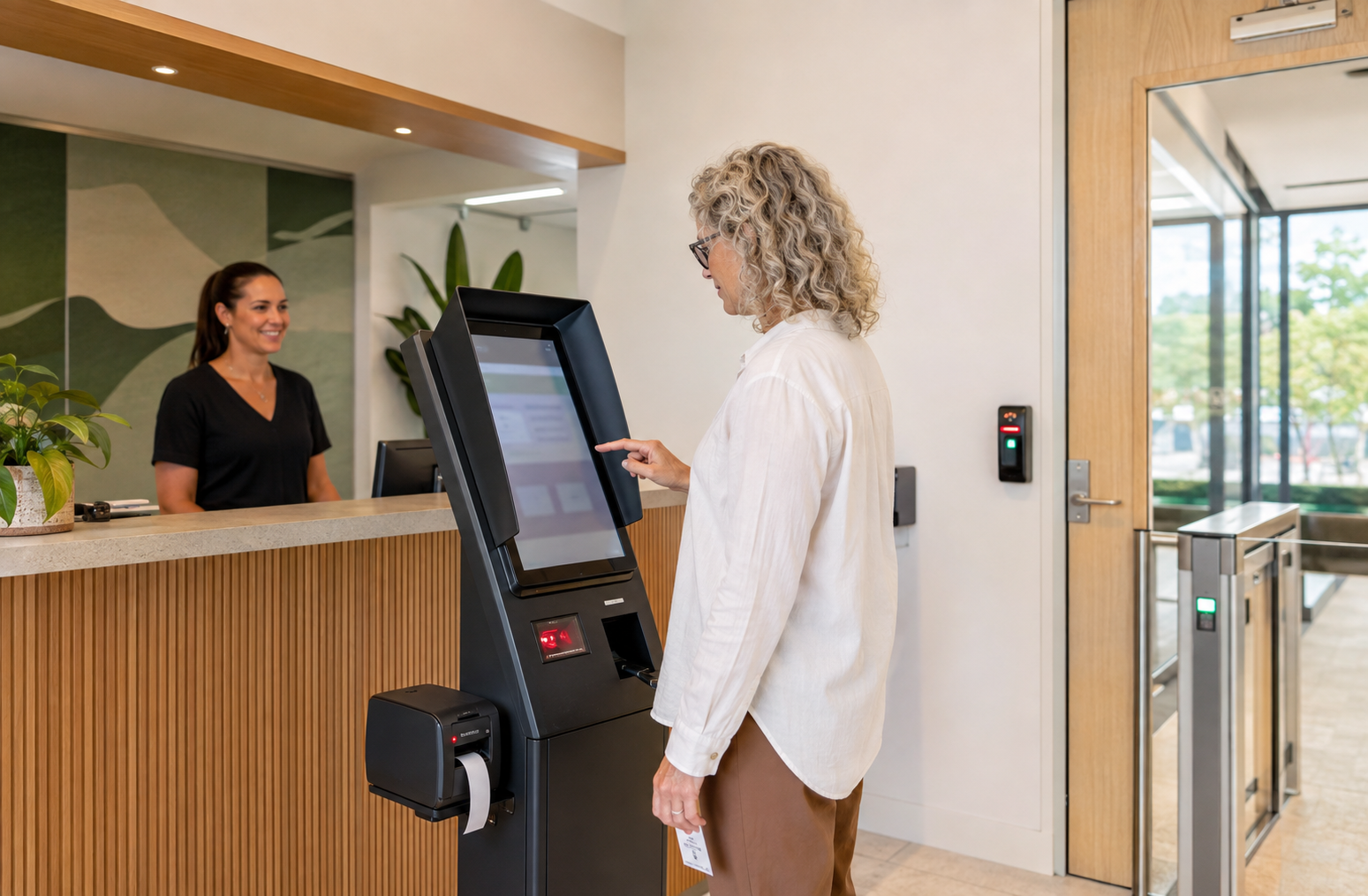
Digital visitor sign-in can make reception safer and more organised, but it also creates a record of people entering the workplace and may connect to doors, cameras, badges or internal networks.
Collect only what is needed
Define the business purpose before choosing a kiosk. A visitor may need to provide a name, contact person and arrival details, but every extra field increases privacy and security responsibility. Avoid collecting sensitive information unless there is a clear lawful and operational reason.
Explain the process clearly
Show a concise privacy notice before information is submitted. Explain why details are collected, who may access them, whether a supplier stores them and when they will be deleted. Give contractors and guests a practical contact for privacy questions.
Protect records and badges
Use named staff accounts, role-based permissions and regular access reviews. Protect printed visitor badges from unnecessary exposure, secure the kiosk against tampering and prevent unattended sessions from revealing the previous visitor’s information.
Secure connected systems
If the platform connects to electronic locks, cameras, email notifications or identity systems, document the integration and limit its permissions. Keep the kiosk, badge printer, network connection and vendor software maintained. Confirm how incidents, outages and supplier access will be handled.
Set retention and response rules
Decide how long visitor records are retained and how deletion is verified. Include the system in incident-response planning, backups and supplier reviews. Test what happens if the kiosk is offline so reception can continue without creating uncontrolled paper records.
Sources





Leave a comment