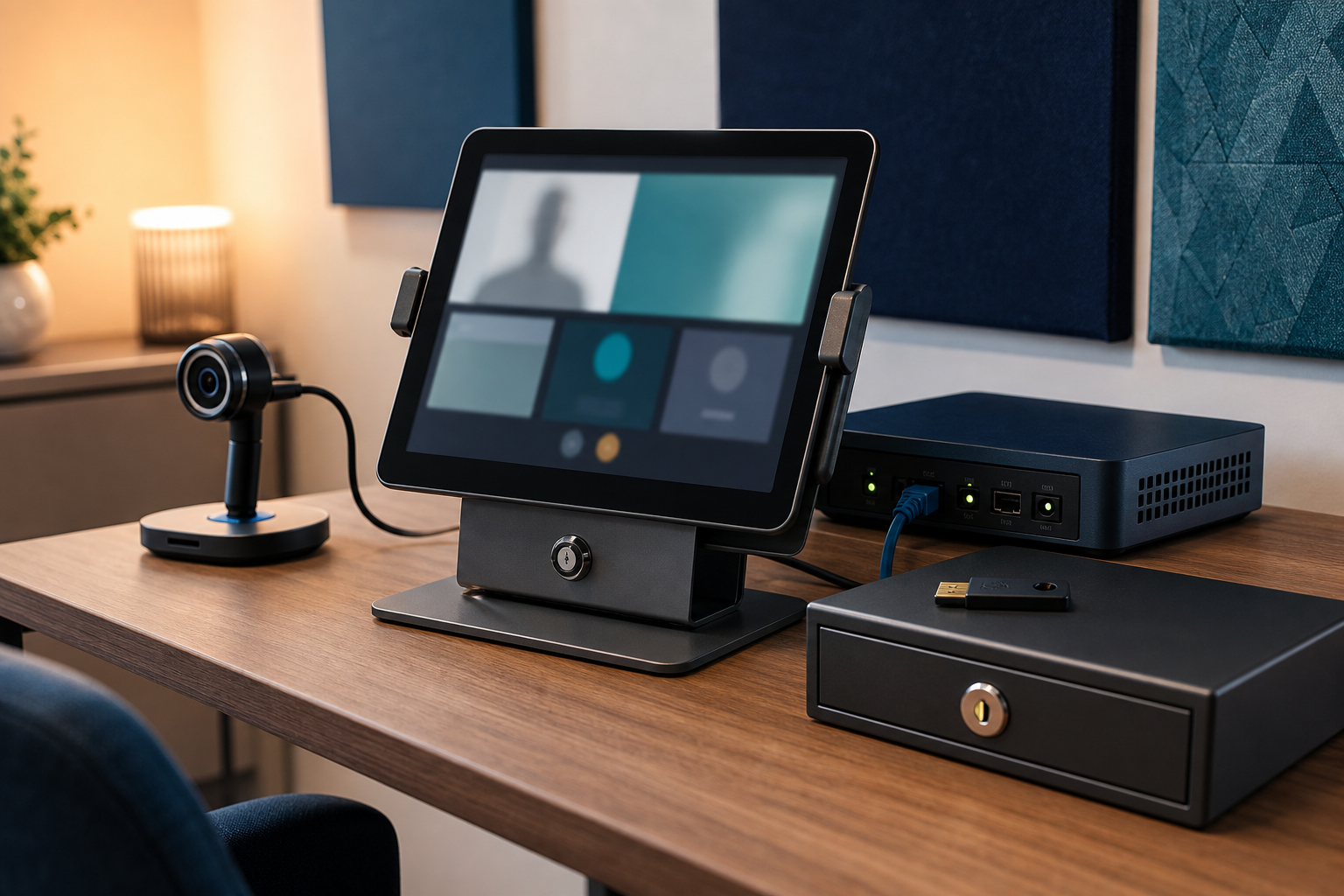
Telehealth is now part of the service model for many clinics, allied-health practices and community providers. A consultation may depend on a tablet, camera, browser, cloud platform, secure internet connection and staff account working together at the right time.
That convenience also creates security and privacy responsibilities. A lost tablet, over-permissioned camera, shared login, exposed recording or unmanaged support account can affect patient information and interrupt appointments.
1. Know the telehealth technology
Keep a simple register of tablets, laptops, cameras, headsets, mobile devices, software subscriptions and support contacts. Record who owns each device, which account administers it, how it is updated and what happens when it is replaced. Avoid shared administrator credentials.
2. Secure devices and staff access
Use strong screen locks, automatic locking and multi-factor authentication for email, telehealth platforms, cloud storage and administrator accounts. Give each worker a named account and limit access to the systems required for their role. Review access when clinicians, contractors or reception staff change duties.
3. Separate consultation traffic
Where practical, keep telehealth equipment, guest Wi-Fi and general office devices separate from systems holding practice management or financial data. Secure the network gateway, change default credentials and keep firmware current. Do not assume a device is safe simply because it is in a clinic room.
4. Control cameras, recordings and files
Review browser, camera, microphone and cloud-app permissions. Decide whether consultations are recorded at all, where recordings are stored, who can access them and when they are deleted. Protect exported notes, screenshots and downloaded files as carefully as the live session.
5. Prepare for outages and support requests
Test what staff should do when the platform, internet connection or device fails. Keep a controlled spare-device process and a verified support contact. Supplier access should be approved, time-limited where possible and removed when the work is complete. Never share a patient record through an informal channel just to keep an appointment moving.
A practical monthly review
Once a month, check device updates, account access, MFA, app permissions, recording settings, supplier access, backups and the outage process. These steps support broader Australian cyber security and privacy responsibilities while keeping telehealth practical for staff and patients.
Sources and further reading
- https://www.cyber.gov.au/
- https://www.cyber.gov.au/business-government/protecting-businesses-and-government/essential-cyber-security/essential-eight
- https://www.oaic.gov.au/




Leave a comment