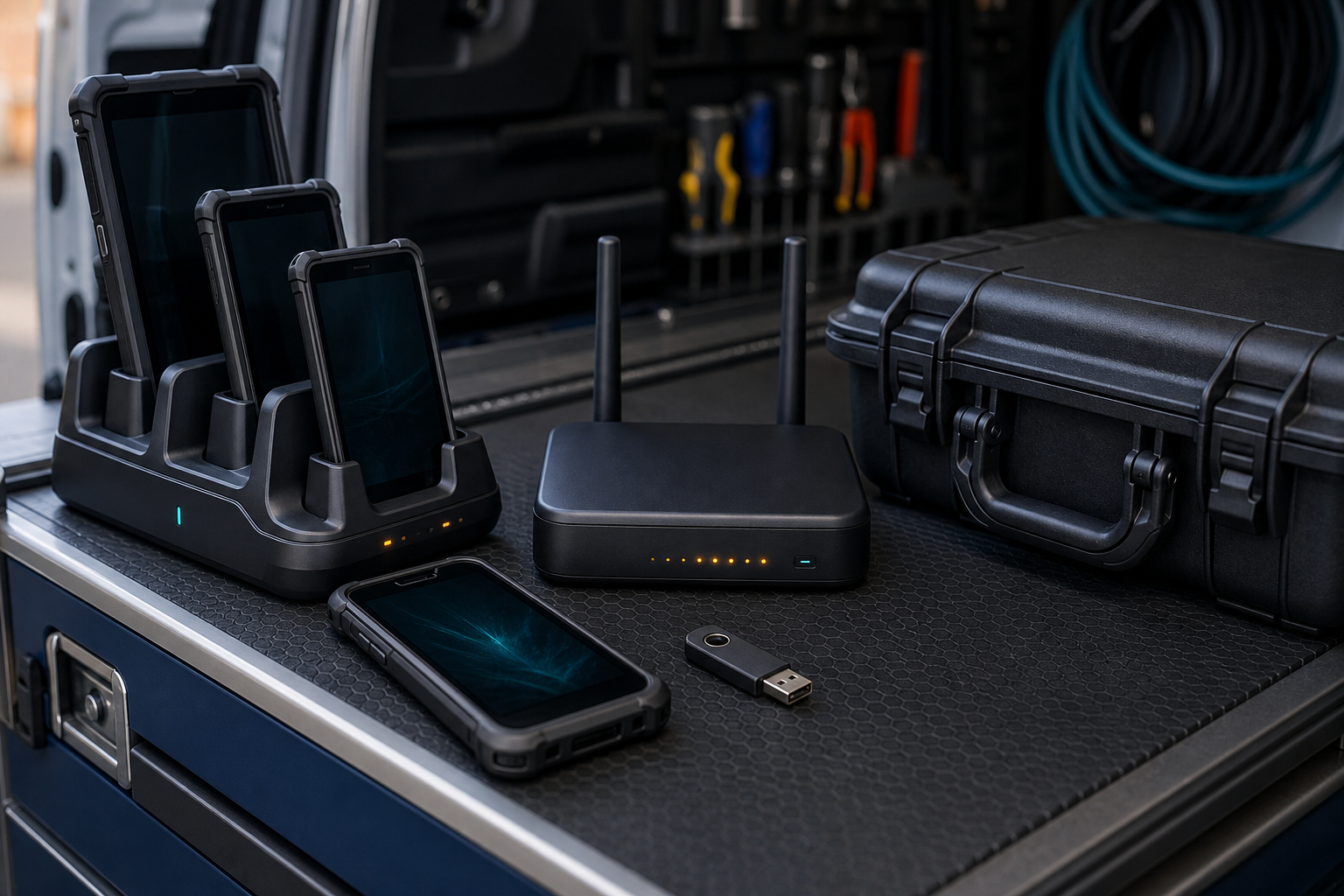
Phones and tablets are now part of everyday business operations. Field technicians use them for job details, delivery teams update customer records, tradespeople capture photos, and remote staff access cloud systems away from the office.
These devices are useful, but they can also hold customer information, business email, location data, photos and access tokens. A lost phone, unmanaged tablet or forgotten contractor account can create both a security problem and an operational delay.
1. Create a mobile-device register
Record every business phone, tablet, SIM, rugged device and mobile-management account. Include the assigned user, business purpose, device identifier, carrier, operating system, support contact and replacement process. Keep recovery details somewhere protected and available if the main device-management platform is unavailable.
2. Protect access and data
Require a strong screen lock, automatic lock timing and multi-factor authentication for email, cloud applications, CRM systems and administrator accounts. Use named accounts rather than shared logins. Review which apps can access contacts, photos, location, microphone, camera and stored files. Install only the applications needed for the role.
3. Manage updates and connectivity
Keep operating systems, browsers, business apps and device-management software updated. Do not rely on public Wi-Fi for sensitive work unless the business has an approved secure connection. If mobile teams use an LTE or 5G router, change default credentials, restrict administration and record who manages it.
4. Plan for loss, damage and offline work
Test the process for reporting a lost device, remotely locking or wiping it, replacing a SIM and revoking active sessions. Decide what staff can record when coverage is unavailable, and reconcile offline changes carefully when the device reconnects. Keep a controlled spare-device process so urgency does not lead to unsafe account sharing.
5. Review suppliers and staff changes
Remove access when a worker changes role, leaves the business or returns a device. Check contractors and support providers that can access mobile-management accounts, customer records or remote-control tools. Keep evidence of approvals for sensitive access.
A practical monthly review
Once a month, check the device register, update status, app permissions, MFA, lost-device procedure, supplier access and recovery process. These simple controls support broader Australian cyber security and privacy responsibilities while keeping mobile work practical.
Sources and further reading
- https://www.cyber.gov.au/
- https://www.cyber.gov.au/business-government/protecting-businesses-and-government/essential-cyber-security/essential-eight
- https://www.oaic.gov.au/



Leave a comment