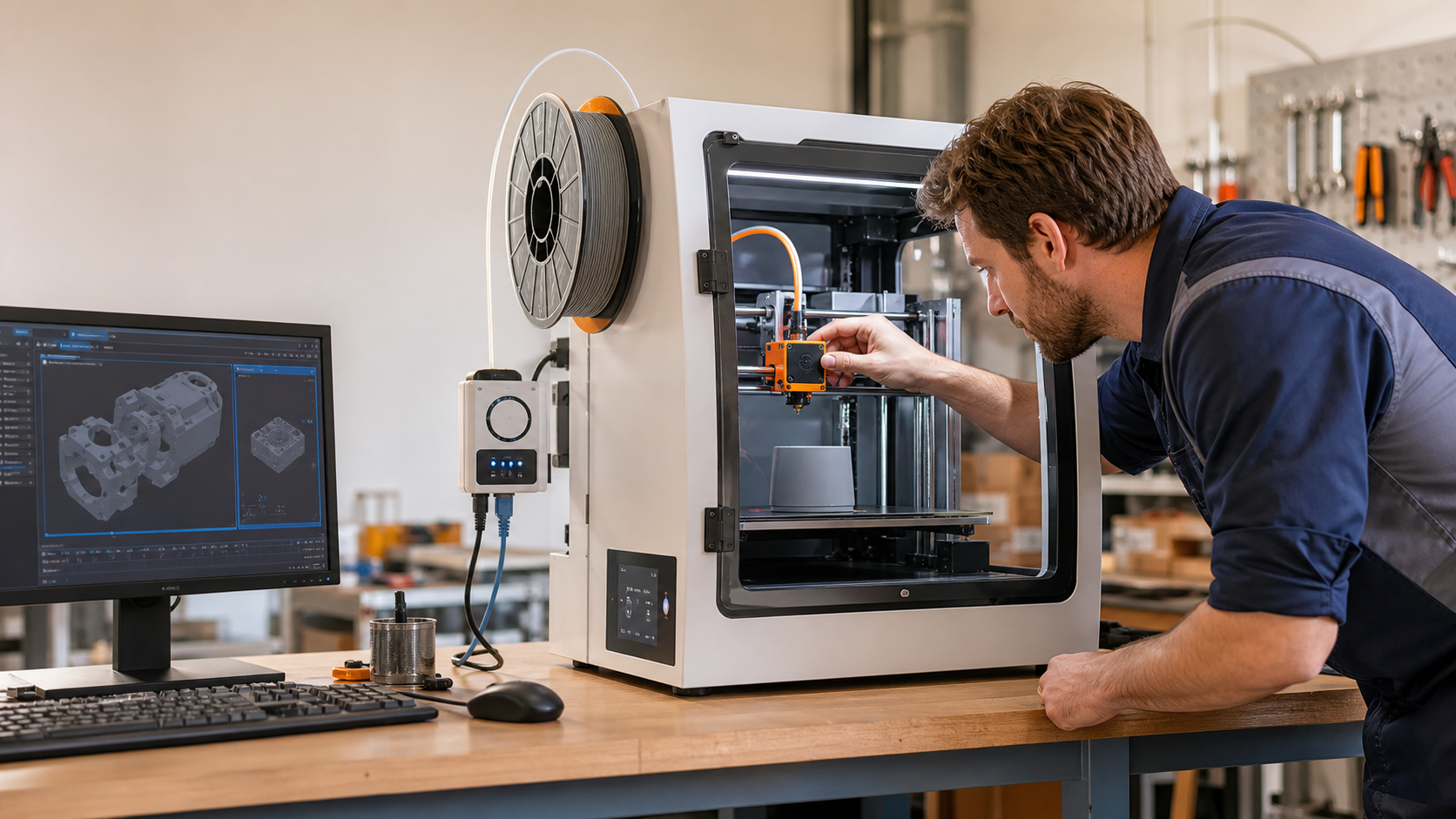
Small 3D printers can help an Australian business produce prototypes, replacement parts, fixtures and short production runs without waiting for an external supplier. That convenience also creates a new technology workflow to secure.
Protect the design file first
CAD files and sliced print files can contain valuable product ideas, customer specifications or commercially sensitive measurements. Store them in approved locations, limit access by role and keep individual accounts so changes can be traced. Avoid leaving old exports in shared folders, removable media or personal cloud accounts.
Control the printer and controller
Change default passwords, keep printer firmware and slicer software current, and restrict who can upload a job or change operating settings. If the printer has Wi-Fi or an online management portal, review the connected accounts and remove access when a staff member or contractor no longer needs it.
Separate production from general office traffic
Where practical, place the printer and its controller on a separate network or access segment. This reduces the chance that a compromised office device can directly reach production equipment. Keep a documented manual process for transferring an approved file if the normal connection is unavailable.
Keep versions and recovery options
Use a simple naming and approval process so staff know which design version is authorised. Keep a protected backup of important source files, settings and supplier documentation. Test that a trusted person can restore the workflow if the workstation, printer controller or account is unavailable.
Review privacy and supplier exposure
If a design contains customer information, personal information or confidential supplier details, include the printer workflow in privacy and supplier reviews. Check what data is sent to cloud slicing, monitoring or support services, where it is stored and how access is removed.
Sources
- business.gov.au: Cyber security for business
- Office of the Australian Information Commissioner: Privacy guidance




Leave a comment