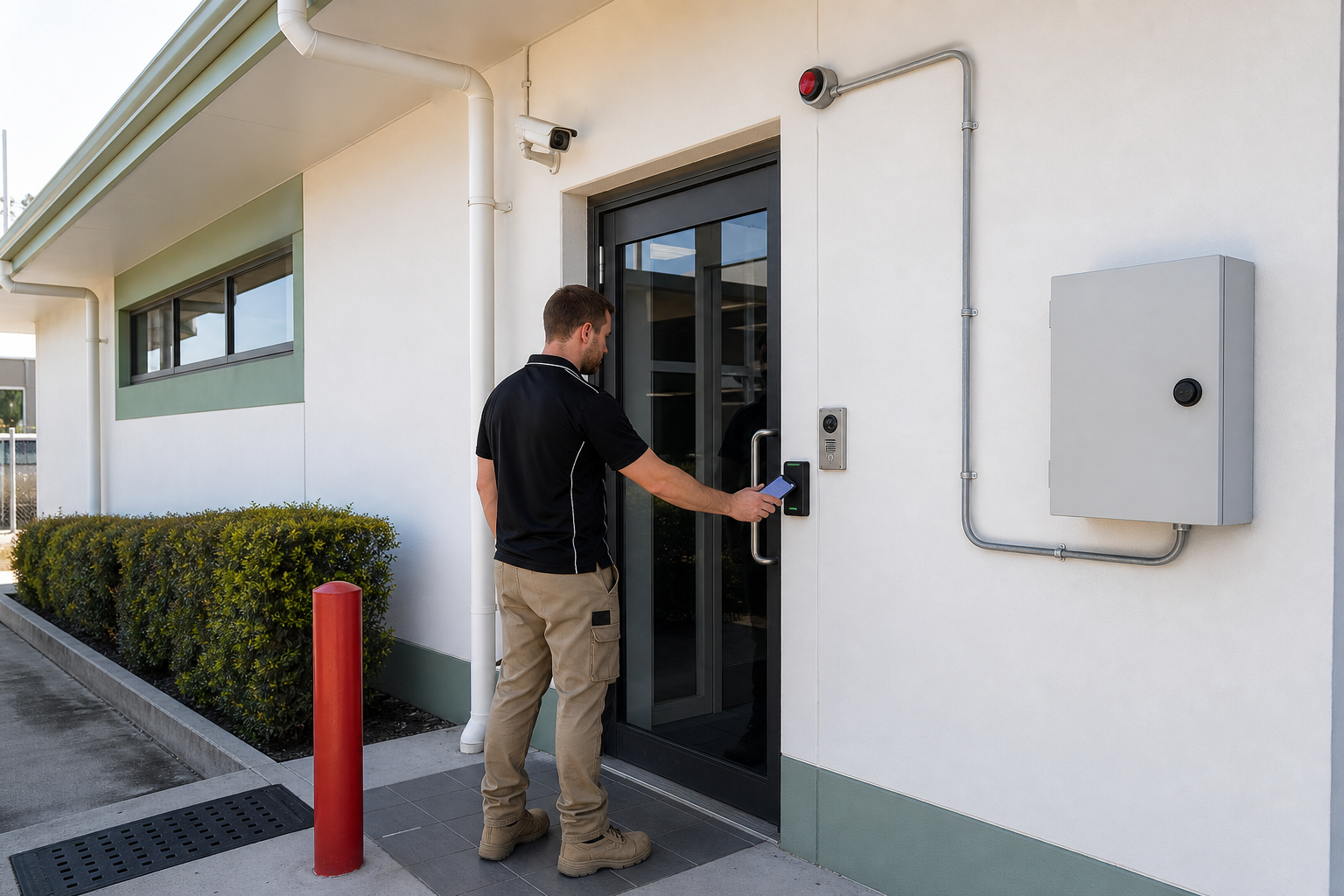
Smart access control can improve security and make staff and visitor management easier. It also creates connected devices, administrator accounts and records that need regular review.
Start with individual access
Give each worker an individual credential rather than sharing cards, PINs or mobile accounts. Remove access promptly when a person leaves, changes role or no longer needs a specific area. Keep an emergency recovery method separate from everyday administrator access.
Use least privilege
Limit permissions by person, location and time. A cleaner should not automatically have access to offices, comms rooms or storage areas, and a contractor should not retain permanent access after a project ends. Review the access list on a schedule and record who approved changes.
Protect the connected system
Secure the management portal, controller cabinet, video intercom and cameras with strong administrator authentication, updates and changed default credentials. Where practical, place controllers and cameras on a separate network segment and restrict outbound access to what the vendor service requires.
Handle privacy carefully
Visitor names, mobile numbers, access events and camera footage may be personal information. Decide what is collected, why it is needed, who can see it and how long it is retained. Give staff a simple process for reporting a lost phone or suspected account misuse.
Test failure and recovery
Document what happens during a power outage, internet failure, damaged reader or vendor outage. Test alarms, backup power, manual entry procedures and administrator recovery before an incident exposes the gap.
Sources
- https://business.gov.au/online-and-digital/cyber-security
- https://www.oaic.gov.au/privacy/privacy-guidance-for-organisations-and-government-agencies





Leave a comment