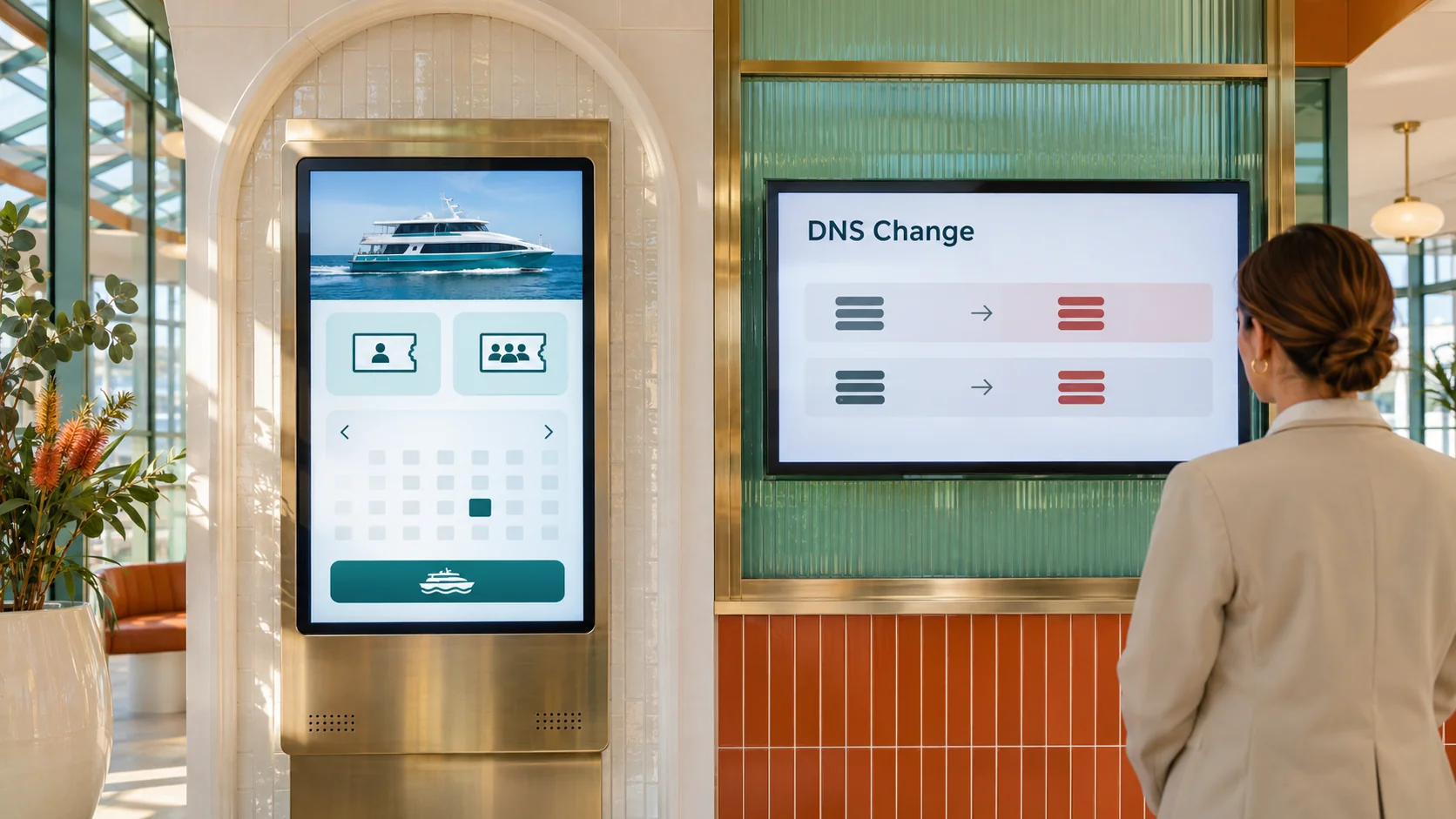
Imagine you run a ferry booking business. A customer types your usual web address but lands on a different booking page. Your developer checks the hosting account: the genuine site is still online and nothing in it has changed. That is the risk with DNS hijacking. The site can be intact while the directions that take customers to it have changed.
How DNS hijacking can leave the real site untouched
Think of the service as three separate layers. The registrar manages your domain registration and which name servers are authoritative for it. The DNS provider runs those servers and publishes the records that point to your website and mail provider. The web host runs the site itself. One supplier can perform all three jobs, but recovering one layer does not automatically recover the others.
If an unauthorised change replaces the name servers, internet providers can start taking directions from a different source. If the name servers stay the same but someone changes records at the DNS provider, the destination can still change. In the ferry example, some customers might reach a false booking form and enter personal information. A change to mail routing could also interrupt enquiries or direct new inbound messages elsewhere. It does not, on its own, give someone access to old mail already stored in your mailbox.
Different networks can temporarily see different destinations because they cache earlier answers. Checking the site from the office is useful, but a single successful visit does not rule out a problem.
Ask what your domain lock actually protects
A registrar transfer lock can help prevent an unwanted move to another registrar. It is not proof that no one can change your name servers or that the records at a separate DNS provider are protected. A registry lock can impose additional verification before covered registry changes. Ask your registrar what it blocks for your specific domain, who can authorise an unlock and how long that takes outside business hours. A stronger lock can make emergency changes slower, so put the unlock process in your recovery plan.
Apply separate controls to the registrar and DNS accounts. Give access only to the staff or suppliers who need it, enable multi-factor authentication, and review what a supplier can still change after handover. Keep the registrant contact current. For .au domains, auDA says domain password recovery goes to the registrant contact address recorded in the registry. Have an independently reachable support contact and an agreed way to prove your authority if your normal mailbox is unavailable.
Practise getting your directions back
- Keep a known-good record. Have IT store the expected authoritative name servers, key website and mail records, and an up-to-date zone export outside the affected provider account. Record who approved the last change.
- Alert on the change, not just the outage. Check delegation and critical records from outside your network. Send alerts to a channel that does not depend on the domain being monitored. A web uptime check alone can be misleading when the wrong destination still responds.
- Rehearse an escalation without changing production. Ask a second authorised person to locate the registrar of record, find the expected settings and explain who can approve an emergency rollback. Check that the relevant supplier can deal with that person directly.
If a real incident occurs, contact the registrar or DNS provider responsible for the affected layer. Preserve logs and timestamps, restore known-good settings, and verify the website and mail routing from more than one network. Once traffic is back, separately assess what customers could have submitted and what messages may have gone elsewhere. Restored routing does not tell you what happened while it was wrong.
If you rely on your domain for bookings, enquiries or payments, include registrar access, DNS monitoring and recovery ownership in your next managed IT security review.