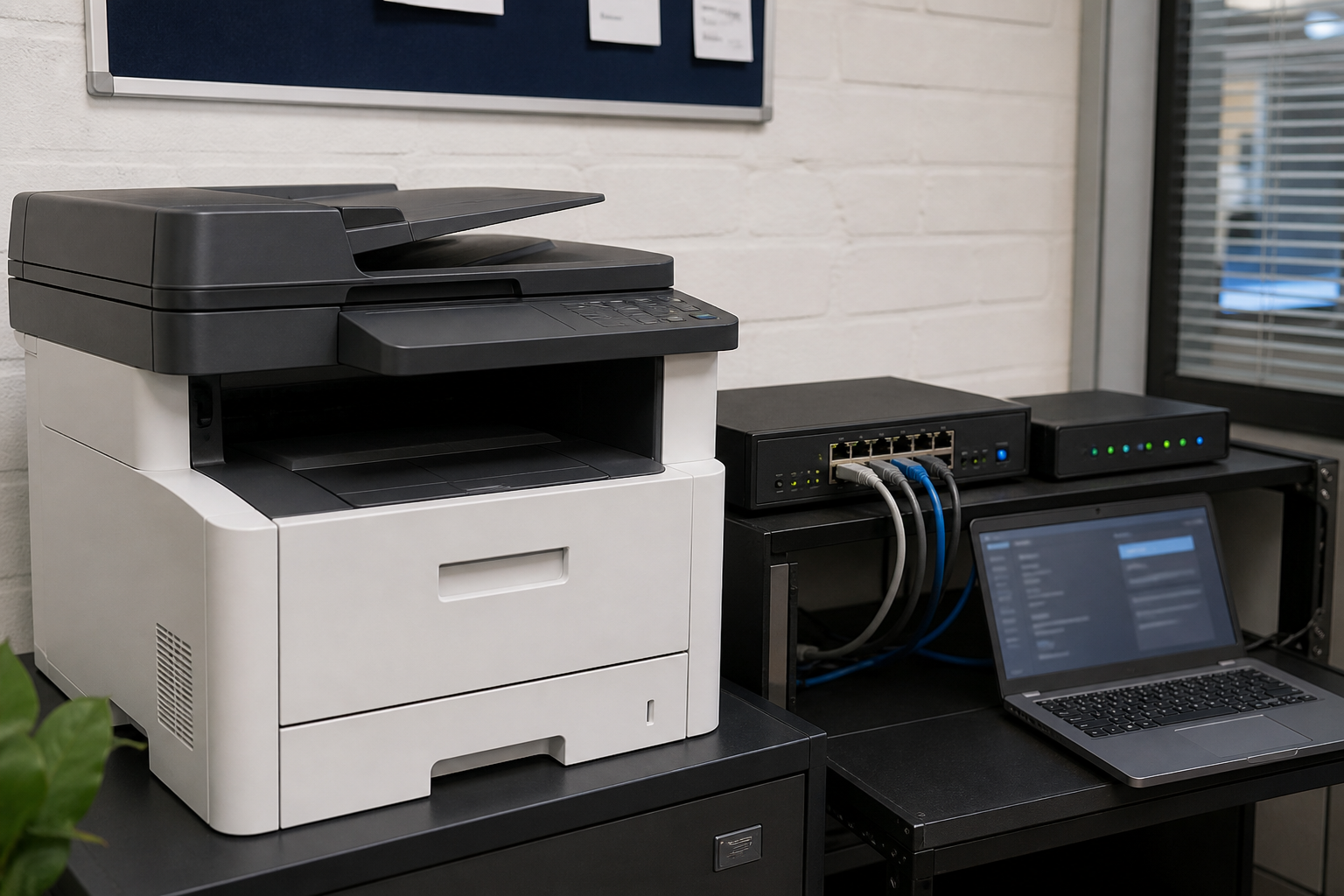
Printers and scanners are easy to overlook during a technology or cybersecurity review. A modern multifunction device can hold copies of documents, remember email destinations, connect to cloud services and provide a route into the office network. It can also create a privacy problem when confidential pages are left in a tray or stored in device memory.
Change the defaults
Replace default administrator credentials, remove unused accounts and restrict management access to the people who need it. If remote administration is enabled, protect it with strong authentication and keep it away from direct internet exposure.
Update the device and its software
Keep firmware, printer drivers and management tools supported and current. Record the device owner and replacement plan so an old printer does not remain connected after support ends.
Control document workflows
Review scan-to-email, scan-to-cloud, USB and address-book functions. Limit these workflows to approved users and destinations. Use secure release printing where practical so a document is not printed until the employee is at the device.
Protect stored information
Check whether jobs, address books, credentials or temporary scans remain in device storage. Enable encryption and automatic deletion where available. Before disposal or return, follow the manufacturer’s secure reset or storage-erasure process.
Separate and monitor the device
Place office printers on an appropriate network segment and monitor unusual administration, outbound connections and repeated failed logins. This is especially important when the printer connects to cloud services or handles identity documents, invoices or health information.
Secure paper output
Set a clear process for misprints, abandoned pages and disposal. A secure device still creates a privacy risk if confidential paper is left unattended.
Sources
- business.gov.au: Cyber security for business
- Office of the Australian Information Commissioner: Privacy guidance



Leave a comment