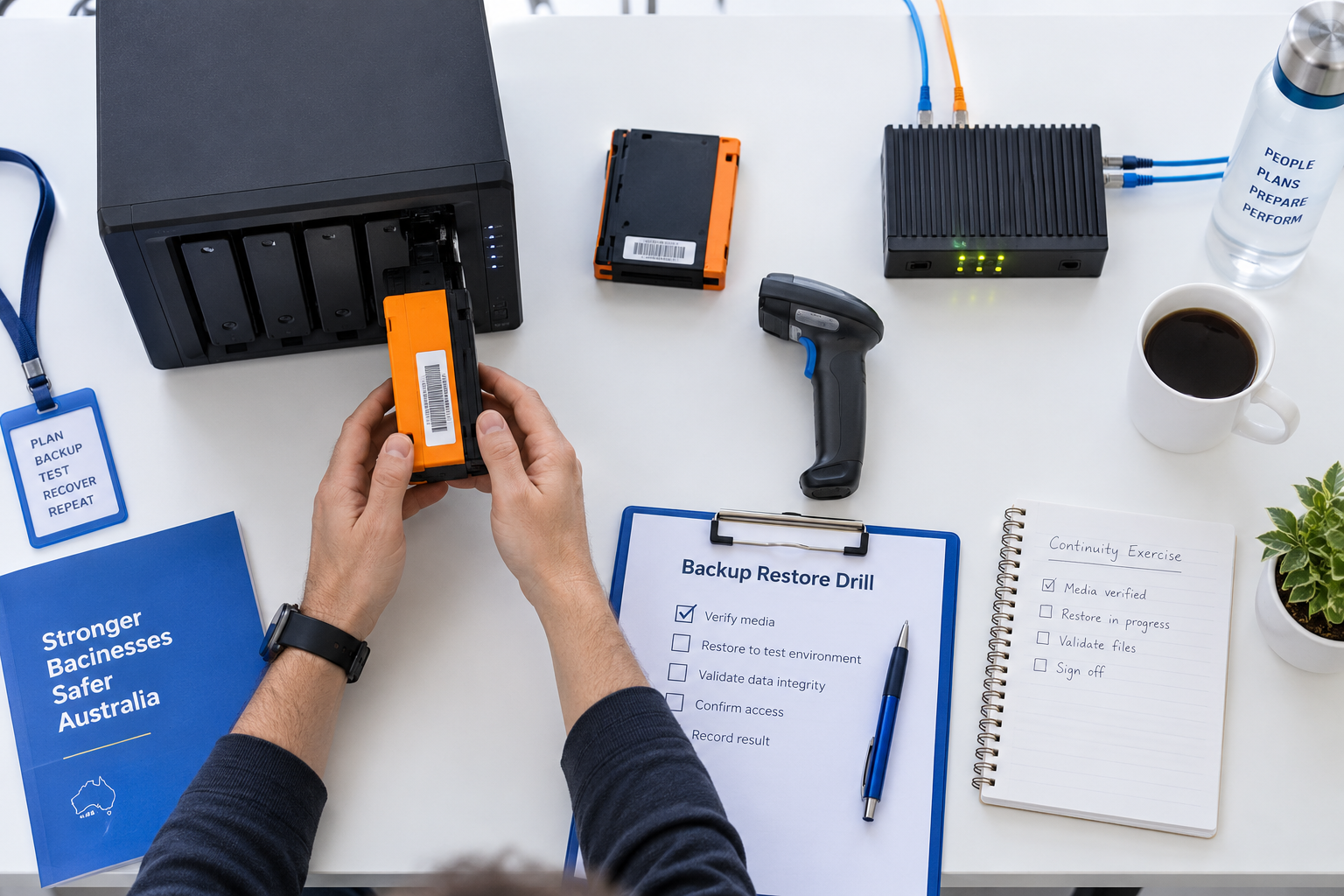
A backup is only useful if the business can restore the data, applications and settings it needs when something goes wrong. A successful backup job is not the same as a proven recovery process.
Start with the systems that matter most
List the files, applications, configurations and cloud services the business would need after ransomware, hardware failure, accidental deletion or a major outage. Record the owner, recovery priority and any dependencies such as identity, accounting, websites or line-of-business software.
Confirm what is actually protected
Check backup coverage, retention periods, version history and account access. Cloud storage is not automatically a safe backup if unwanted changes can synchronise everywhere. Protect backup accounts with strong authentication and keep at least one copy separate or offline where practical.
Run a complete restore exercise
Choose a controlled test and restore more than a single file. Include the application, data, settings and access path needed to make the service usable. Test a realistic point in time and document how long each step takes, which credentials are required and what dependencies appear.
Assign people and decisions
- Name the person who starts the recovery process.
- Define who approves downtime, supplier escalation and priority changes.
- Keep contact details for the backup provider and IT support.
- Record where recovery instructions are stored if the main systems are unavailable.
Fix the gaps while the test is fresh
A restore test may expose unsupported software, expired credentials, missing configuration, slow downloads or data that was never included. Treat each finding as a small improvement with an owner and due date. Repeat the exercise after major system or supplier changes.
A practical first action
Choose one important business system and schedule a short recovery exercise. Save the result, the time taken and the next improvements. Confidence should come from evidence that the business can restore and operate, not from a green status screen alone.
Sources
- Cyber.gov.au: Regular backups
- Cyber.gov.au: How to back up files and devices
- Cyber.gov.au: Essential Eight

Leave a comment