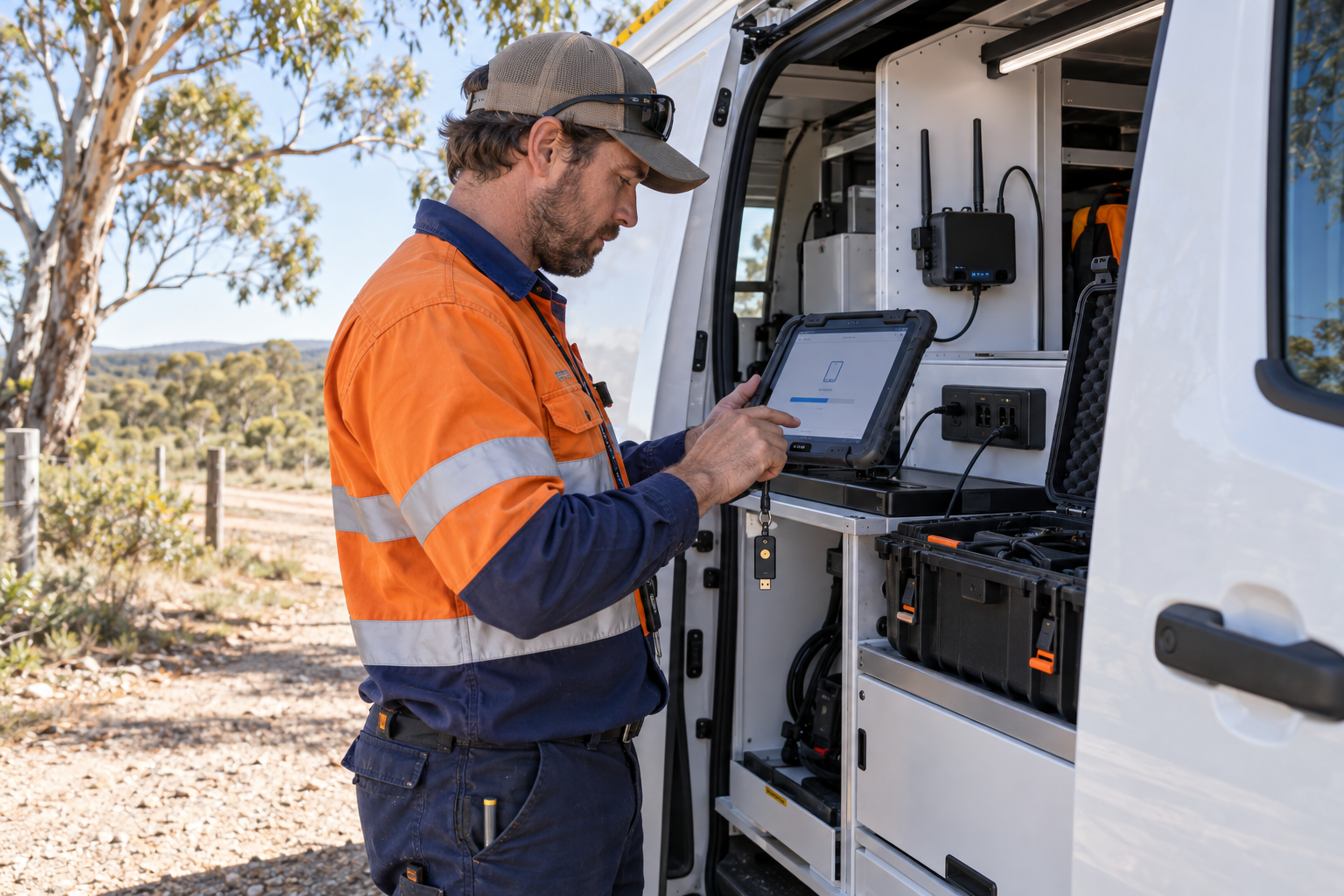
Phones, tablets and rugged mobile devices let staff serve customers, inspect sites and manage work away from the office. They also create more paths into business email, cloud files, customer records and financial systems.
Start with a complete device inventory
List every company-owned and personal device that can access business systems. Record the user, operating system, business purpose, last update and the systems it can reach. Include tablets in vehicles, shared phones, old devices and equipment held by contractors.
Set a minimum security baseline
Require screen locking, current software, device encryption where available and strong authentication for business accounts. Use mobile-device management or an equivalent process where the business needs central visibility, policy enforcement or remote action. Avoid treating antivirus alone as a complete mobile-security plan.
Control accounts as carefully as devices
Give staff only the access their role needs. Use separate accounts, MFA and a password manager. Review cloud sessions and connected applications after a device is lost, a role changes or someone leaves the business. Keep recovery methods owned by the business rather than one employee.
Prepare for a lost or stolen device
- Choose who can disable the device and business sessions.
- Keep the carrier, device administrator and support contacts available.
- Decide what data may be remotely erased and how evidence is preserved.
- Test replacement access without sharing another person's password.
Do not forget the field workflow
Check how devices connect through public Wi-Fi, mobile networks, vehicle chargers and shared workspaces. Train staff to report suspicious prompts, unexpected MFA requests and lost equipment quickly. Review the process after major software, supplier or staffing changes.
A practical first action
Choose one mobile device used for important work. Confirm its owner, update status, authentication, recovery path and remote-control option. Then record the gaps and give each one an owner and due date.
Sources
- Cyber.gov.au: Guidelines for enterprise mobility
- Cyber.gov.au: Protect your devices and accounts
- Cyber.gov.au: Small business cyber security guide
Leave a comment