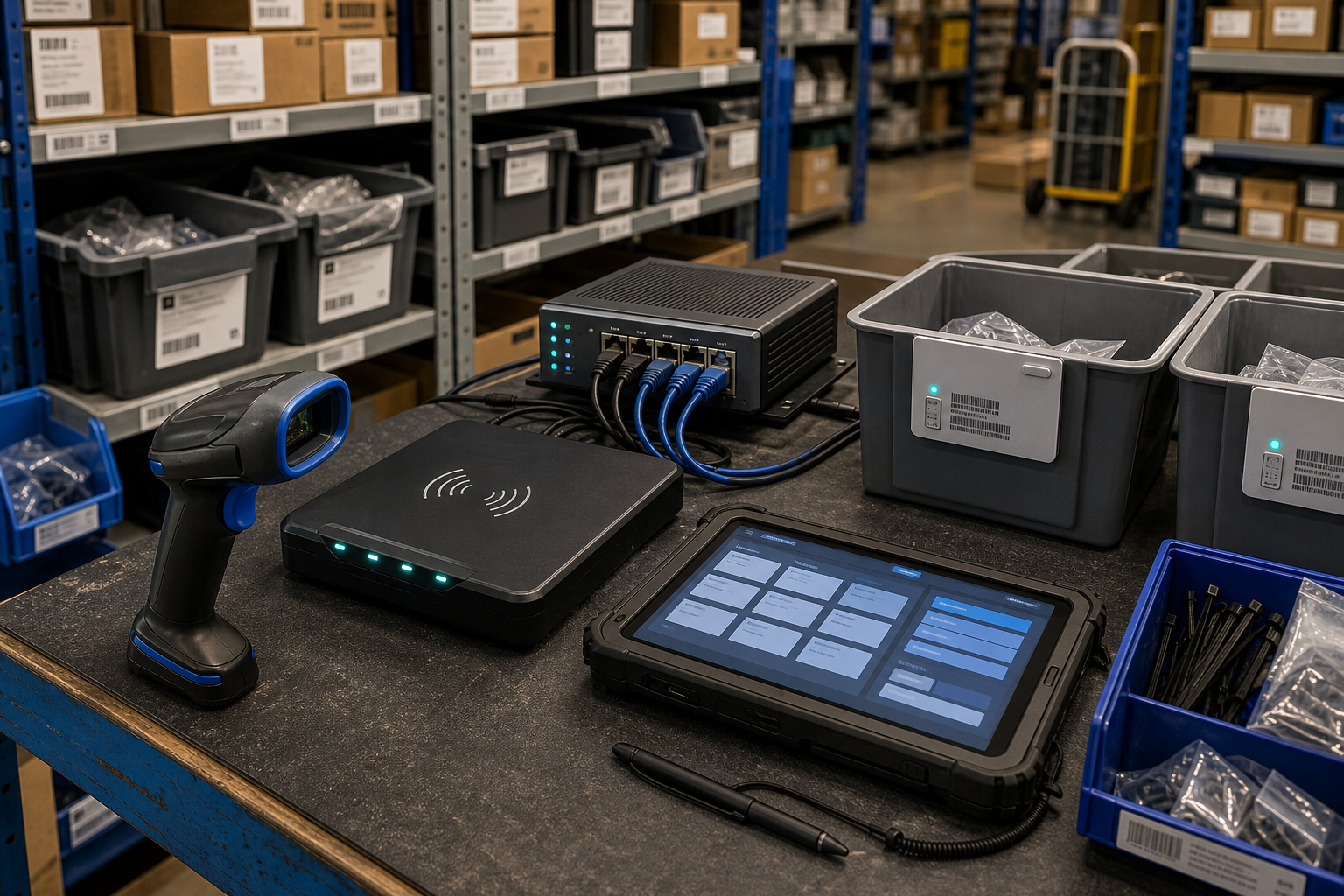
RFID readers, barcode scanners and inventory tablets can give a small business better stock visibility, faster dispatch and fewer manual errors. They also create another layer of connected technology that needs to be managed properly.
Why inventory technology needs security controls
A stockroom system may include handheld scanners, RFID reader pads, tablets, label printers, a local gateway, cloud software and supplier support accounts. If one device is lost, shared by too many people or left with an old password, the business may face incorrect stock records, delayed orders or unauthorised changes.
The aim is not to turn a warehouse into a complex security project. It is to make sure every device and account has an owner, every important change can be reviewed, and the business can continue working if a device or network connection fails.
1. Create a simple technology register
Record each scanner, RFID reader, tablet, printer, gateway and software account. Include the device owner, supplier, support contact, update method, location and replacement process. Keep serial numbers and recovery details somewhere protected, not only inside the inventory platform that may be unavailable during an outage.
2. Control access to stock data
Use named accounts where the software supports them. Give warehouse staff only the access they need, and reserve quantity adjustments, product deletion, location changes and supplier edits for authorised roles. Turn on multi-factor authentication for cloud inventory and administrator accounts. Remove access promptly when staff, contractors or suppliers no longer need it.
3. Separate devices from core systems
Where practical, place scanners, tablets, cameras, label printers and gateways on a separate network or managed wireless segment. This limits the damage if a handheld device is lost or compromised. Change default passwords, keep firmware and applications updated, and avoid leaving a gateway exposed directly to the internet.
4. Protect exports and integrations
Inventory data is often exported to spreadsheets, accounting systems, e-commerce platforms, transport tools and CRM software. Decide which integrations are necessary, who owns each connection and how access is revoked. Protect exported files because they may reveal product lines, customer addresses, supplier pricing or operational schedules.
5. Plan for offline work and recovery
Test what happens when a scanner breaks, the warehouse Wi-Fi fails or the inventory platform is unavailable. Keep a controlled fallback process for receiving, picking and dispatch. After recovery, reconcile offline transactions carefully so duplicate scans or manual changes do not create a second problem.
A practical monthly review
Once a month, check devices, accounts, updates, integrations, supplier access and recent quantity changes. Run a small replacement or recovery test before peak trading periods. These simple habits support the wider principles of access control, software maintenance, backups and incident readiness recommended in Australian cyber security guidance.
Sources and further reading
- https://www.cyber.gov.au/
- https://www.cyber.gov.au/business-government/protecting-businesses-and-government/essential-cyber-security/essential-eight
- https://www.oaic.gov.au/


Leave a comment