Passwords are still a weak point for many small businesses. Staff may reuse them, approve a convincing fake login or share access when work is busy. Passkeys and phishing-resistant multi-factor authentication provide a stronger way to protect important accounts without asking a small business to build a large security department.
What passkeys change
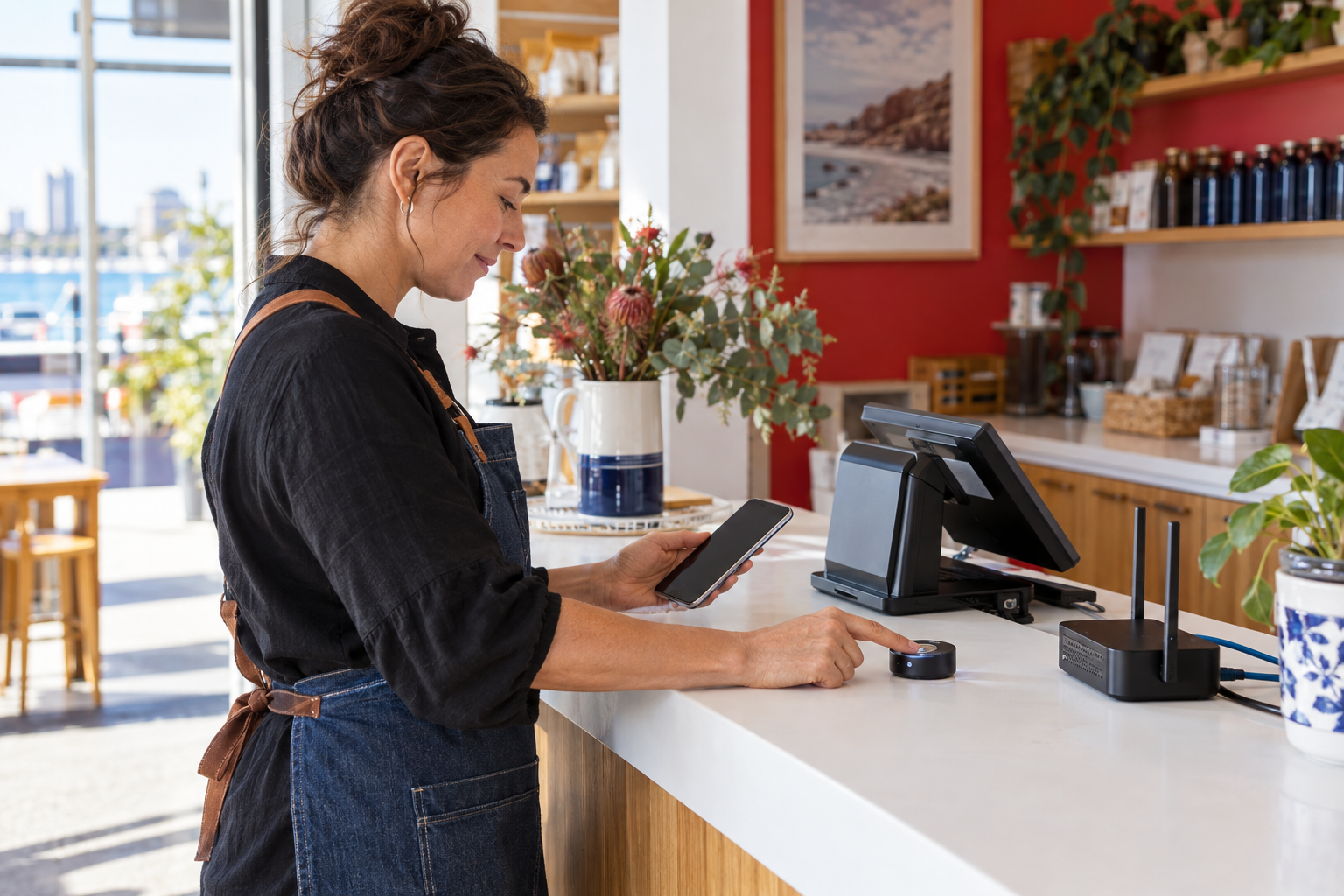
A passkey uses cryptographic credentials held by a device or a physical FIDO2 security key. The person unlocks it with a fingerprint, face recognition, PIN or another local method. The secret is not typed into a website, which makes common fake-login and password-stealing attacks harder.
Start with the accounts that matter most
Prioritise business email, finance and banking, cloud administration, password management, customer systems, website administration and remote access. These accounts can expose many other systems or create direct financial and privacy consequences. Record the owner of each account and remove shared logins where the provider supports named users.
Choose a practical method
Device-based passkeys can be convenient when staff use managed phones or computers. Physical security keys can provide a separate recovery option and may suit administrators or higher-risk roles. Check that each important provider supports passkeys or another phishing-resistant method before beginning the rollout.
Roll out in controlled stages
- List critical accounts, administrators and recovery contacts.
- Enable passkeys or phishing-resistant MFA for a small pilot group.
- Test sign-in from normal and new devices without weakening the control.
- Register a spare recovery method and store it securely.
- Document lost-device, staff-departure and emergency-access procedures.
- Expand to the rest of the business and review access regularly.
Do not overlook recovery
Strong authentication can create an operational problem if the only registered device is lost. Keep two approved administrators, document the provider recovery process and store spare physical keys under controlled access. Test recovery before an urgent incident, and do not leave a permanent shared emergency password in a document or chat.
Make the change understandable
Explain that passkeys reduce the need to type passwords and codes, but staff must still check the service, protect their devices and report unexpected prompts. Combine the technical change with short guidance, a named support contact and a review of administrator access.
Australian SMEs do not need to change every account on one day. Begin with the systems that would cause the greatest harm if compromised, prove the sign-in and recovery process, then extend the pattern across the business.
Sources
- Cyber.gov.au: Passkeys
- Cyber.gov.au: Implementing multi-factor authentication
- business.gov.au: Cyber security checklist


Leave a comment