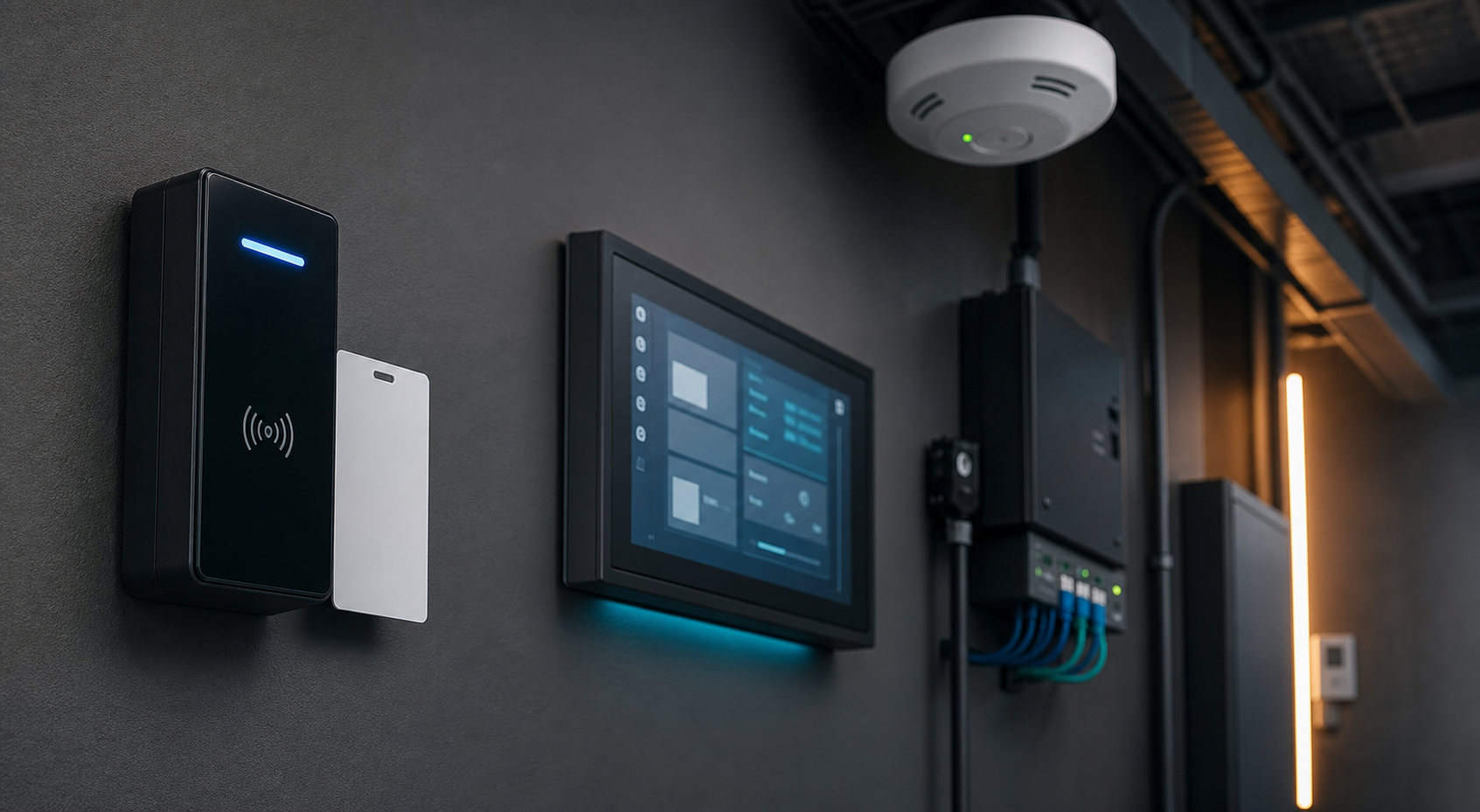
Smart building technology is no longer limited to large corporate towers. Small businesses are increasingly using electronic access control, connected temperature sensors, energy monitoring, security cameras, smart lighting and building-management software in offices, retail sites, warehouses, clinics and mixed-use premises.
These systems can reduce energy waste and make day-to-day operations easier. They also create another layer of business technology that needs proper ownership, access control, updates and monitoring.
What counts as a smart building system?
A smart building system combines physical equipment with software and network connectivity. Examples include door readers, electronic locks, alarm panels, HVAC controllers, occupancy sensors, smart meters, lighting controls, cameras and cloud dashboards. Some systems operate locally, while others depend on a vendor account or mobile application.
The important point is that a building device can affect business security. An access reader controls who can enter. A sensor can reveal occupancy patterns. A camera can process personal information. A cloud dashboard may expose site information or allow a user to change heating, cooling or access settings.
Start with an accurate technology register
Before changing settings, list every connected building device and the system that manages it. Record the location, purpose, vendor, administrator, network connection, firmware or software version, support contact and recovery process.
Include devices installed by landlords, builders, electricians, security companies or facilities contractors. A system can be forgotten when a contractor finishes a project, changes employment or stops providing support.
Control administrator access
Use named administrator accounts where the vendor supports them. Avoid sharing one permanent password between the business, contractors and building managers. Remove access when a staff member or supplier no longer needs it, and review the account list at a regular interval.
Protect the main vendor account with multi-factor authentication. Keep recovery email addresses and phone numbers current, and store emergency access details in a controlled business process rather than in an open spreadsheet or a device label.
Separate building devices from everyday work
Smart building devices should not automatically sit on the same network as staff laptops, accounting systems, file storage or customer databases. Ask the IT provider or network administrator whether building equipment can use a separate network segment, with only the connections required for its operation.
Segmentation limits the damage if a camera, controller or vendor account is compromised. It also makes it easier to identify unusual traffic and restrict remote access to approved services.
Keep updates and backups practical
Check how the vendor provides security updates and whether the business receives notifications when a device reaches end of support. Do not assume that a smart device remains safe simply because it is installed behind a locked door.
For important systems, document the settings needed to restore service. Keep copies of configuration information, site diagrams, administrator contacts and replacement procedures. A building system may not need a full daily backup, but the business should know how it would regain control after a failed controller, lost account or network change.
Protect privacy and explain the purpose
Access logs, camera footage, occupancy data and visitor records may contain information about staff, customers or contractors. Collect only what the business needs, limit access, set retention periods and explain the purpose of monitoring in a clear workplace or customer notice where appropriate.
When a supplier hosts building data, confirm where the information is stored, who can access it, how incidents are reported and what happens when the contract ends. Keep the service agreement and contact details with the technology register.
A simple monthly review
- Check administrator accounts and remove unnecessary access.
- Review unusual access events, remote logins and vendor notifications.
- Confirm that firmware, cloud applications and mobile apps are supported.
- Test a basic failure procedure for access control, sensors or building connectivity.
- Confirm that privacy notices, contractor access and retention settings remain appropriate.
How Xpansion Technologies can help
Xpansion Technologies helps Australian businesses review networks, cloud platforms, websites, cybersecurity, automation and connected workplace systems. A practical smart-building review can improve reliability and energy visibility without losing sight of access security, privacy and recovery planning.
Sources
- Australian Cyber Security Centre
- ACSC: Essential Eight
- Office of the Australian Information Commissioner
Leave a comment