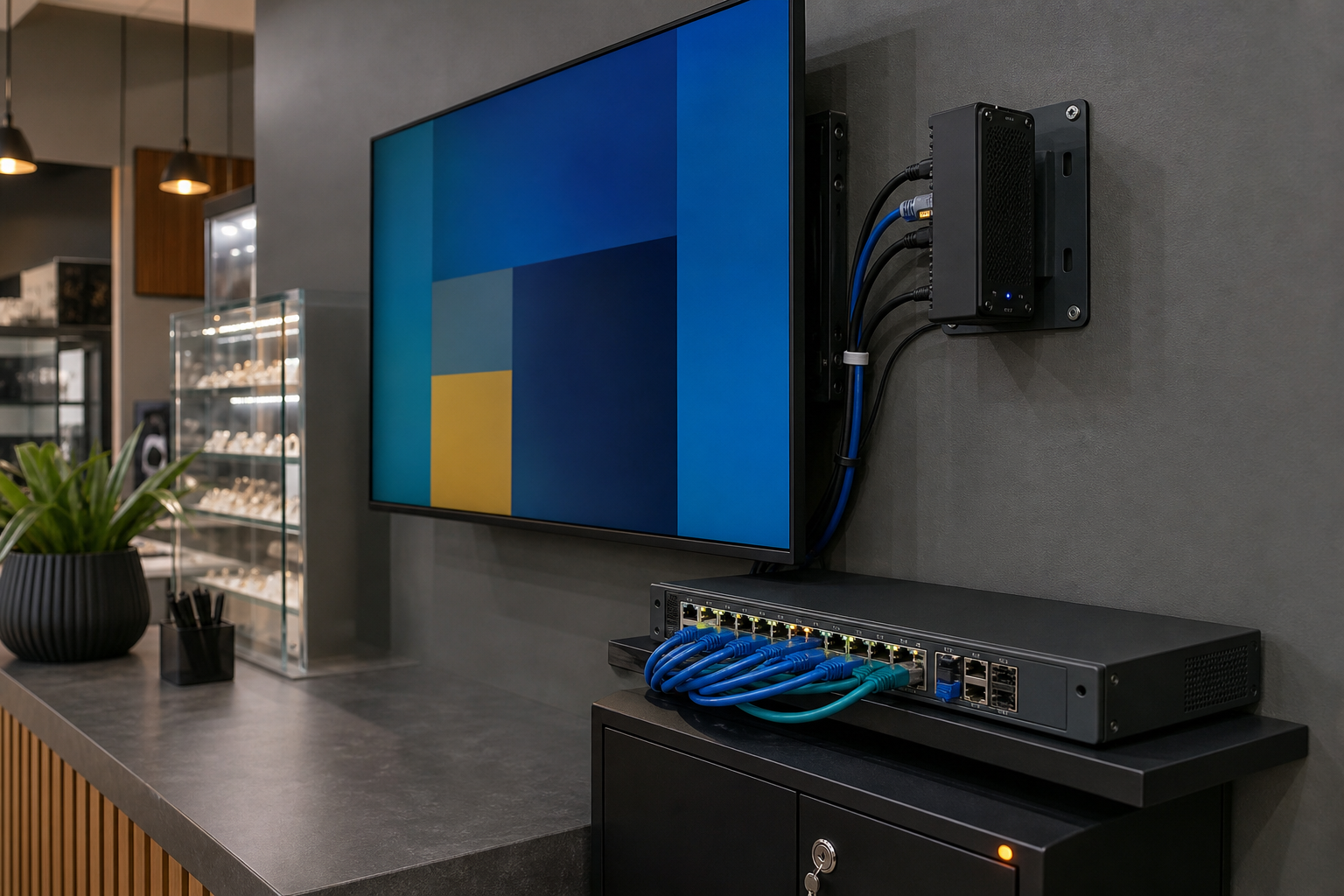
Digital signage is now common in retail stores, reception areas, clinics, schools, warehouses and customer service sites. A screen may show promotions, directions, service information or internal operational updates, but behind that screen there is usually a media player, a content-management account and a network connection.
That makes digital signage part of the business technology environment. If the player, display account or network is poorly protected, an attacker may change public content, expose internal information or use the device as a stepping stone into other systems.
Map the full signage setup
Start with a register of every display, media player, content platform, remote-control account, installation contractor and network connection. Record the physical location, device model, support contact, update method and recovery process. Do not assume the screen and the content platform are managed by the same supplier.
Protect content-management access
Use named administrator accounts instead of one shared login. Protect the main account with multi-factor authentication, review active sessions and remove former staff or contractor access. Keep a second controlled recovery path for the business, but do not store recovery codes on the display or in an open document.
Separate people who can publish content from people who can change billing, integrations or account security. This reduces the impact of a stolen password or accidental change.
Keep displays and players off the main business network
Ask the IT provider whether signage devices can use a separate network segment with only the connections they require. A media player should not automatically have access to accounting systems, file storage, staff laptops or customer databases.
Disable unused remote-management features and restrict administration to approved devices or services. Where a supplier needs remote support, record the access method and review it after the work is complete.
Manage updates, content and recovery
Confirm how the display operating system, media player and content application receive security updates. Keep a copy of approved content and document how to restore a player after a hardware failure, lost account or network change. Test a basic offline or fallback message so the business is not dependent on one cloud login during an outage.
Use an approval step for public-facing content. A simple second-person check can catch incorrect prices, old promotions, private information or malicious changes before they appear to customers.
Consider privacy and physical access
Digital signage can display personal information, queue numbers, visitor details or internal dashboards. Keep public content separate from staff-only information, limit what is shown and set a clear retention approach for any related logs or analytics. Secure media players and network equipment so they cannot be easily reset or removed from behind the screen.
A monthly review checklist
- Review content-platform users, sessions and multi-factor authentication.
- Check device and application support status and pending updates.
- Confirm signage network separation and remote-support access.
- Test content approval, emergency replacement and recovery steps.
- Inspect the physical player, cables, cabinet and power protection.
How Xpansion Technologies can help
Xpansion Technologies helps Australian businesses review websites, cloud platforms, networks, cybersecurity and connected workplace technology. A focused digital-signage review can protect public content while keeping the system practical for staff and suppliers.
Sources
- Australian Cyber Security Centre
- ACSC: Essential Eight
- Office of the Australian Information Commissioner
Leave a comment