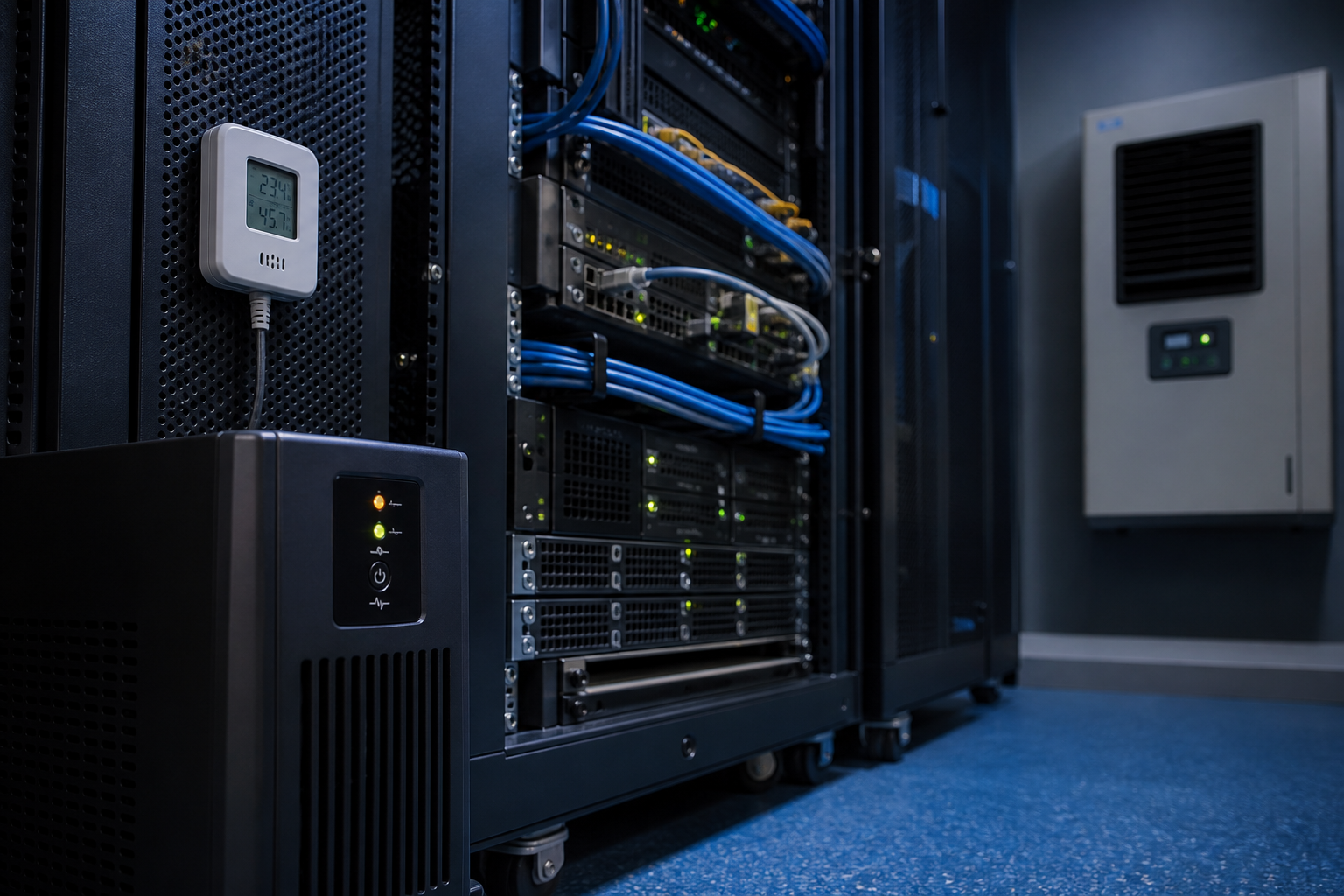
Many small businesses depend on equipment that sits quietly in a server room, communications cabinet or dedicated IT cupboard. Network switches, firewalls, storage, cameras, phone systems and local servers can support daily operations even when staff rarely see them.
That equipment needs more than a power socket. Heat, humidity, dust, blocked airflow and unstable electricity can shorten hardware life or create an outage at the worst possible time. A practical inspection routine helps a business understand and reduce those risks.
Keep the room suitable for equipment
Use a clean, dry and access-controlled location. Do not treat the server room as general storage. Keep boxes, chemicals, liquids and loose materials away from racks and cable paths. Check that doors, vents and cooling equipment are not blocked.
Monitor temperature and humidity
A wall display or alerting sensor is more useful than a visual guess. Place monitoring where it can detect conditions around the equipment, configure sensible alerts and record who receives them. Review trends so gradual cooling problems are found before a failure.
Protect power and test recovery
A suitable uninterruptible power supply can provide short-term protection and controlled shutdown during an outage. Confirm that its capacity matches the connected load, batteries are maintained and critical equipment is connected correctly. Test shutdown and restart steps in a planned window rather than discovering a problem during an emergency.
Maintain airflow and hardware
Inspect filters, fans, rack clearances and cable routing. Dust can restrict cooling, while tightly packed cables can obstruct airflow or complicate maintenance. Keep a simple record of inspections, cleaning, battery checks and equipment changes.
Prepare for an outage
Write down the equipment order for shutdown and restart, supplier and warranty contacts, network details, backup dependencies and escalation contacts. Make sure more than one responsible person knows where the information is stored. If a cooling unit fails, the business should know what can be safely powered down and when to call for help.
Run a monthly check
Once a month, review alerts, room condition, UPS status, cooling performance and recent equipment changes. A short repeatable check can reduce avoidable downtime and support better decisions about upgrades, cloud migration or managed IT services.
Sources
- business.gov.au: Cyber security for business
- Office of the Australian Information Commissioner: Privacy guidance for organisations and government agencies




Leave a comment