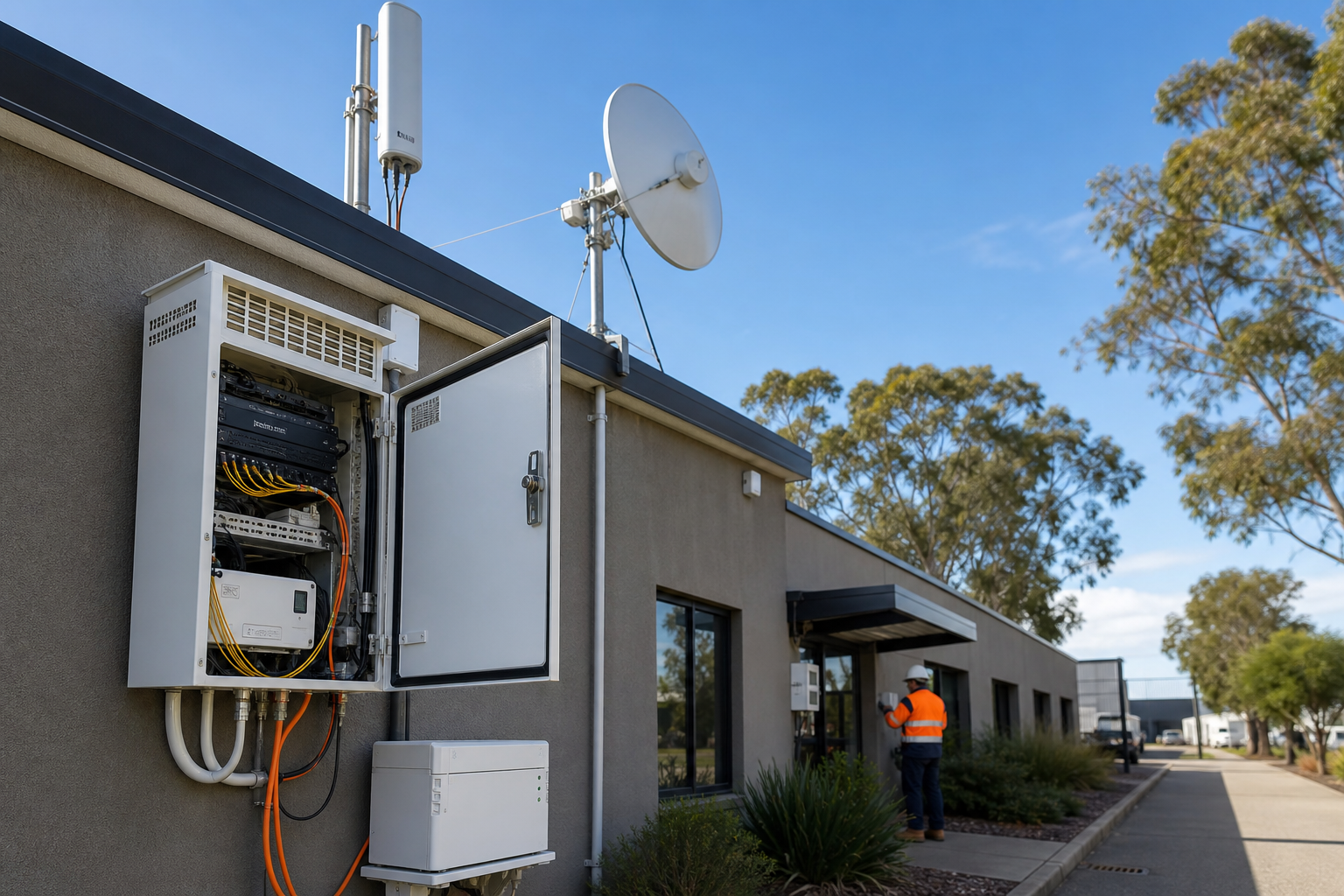
A reliable internet connection is now part of business continuity for many Australian businesses. Email, cloud software, websites, payments, customer enquiries and remote support can all be affected when one connection fails.
Map what depends on connectivity
List the systems that must remain available during an outage, including email, phones, payment services, websites, cloud applications, remote access and customer communications. Record which services are essential, which can wait and what manual process is available if they are unavailable.
Check the backup path
A second connection is useful only when it is genuinely independent enough to help. Review whether both services use the same provider, cable route, building entry point or upstream infrastructure. A fixed connection combined with 4G or 5G can provide a different path, but the design still needs to match the site and expected usage.
Test automatic failover
Do not wait for a real outage to discover that a SIM has expired, an antenna is poorly placed, traffic is blocked or the router cannot switch services. Test failover during a planned window. Check that important systems reconnect, staff know what changed and monitoring shows the event clearly.
Protect the equipment and accounts
Routers, wireless equipment, communications cabinets and backup power units are part of the business security boundary. Use strong administrator authentication, remove old access, update firmware and protect equipment from tampering. Keep management interfaces away from unnecessary public exposure.
Keep recovery practical
Document supplier contacts, device details, escalation steps and a safe manual fallback for critical work. Review the plan after premises, provider, network or cloud changes. Resilience is not only another service purchase. It is a tested path from the business premises to the systems your team and customers depend on.
Sources
- business.gov.au: Cyber security for business
- OAIC: Privacy guidance for organisations and government agencies





Leave a comment