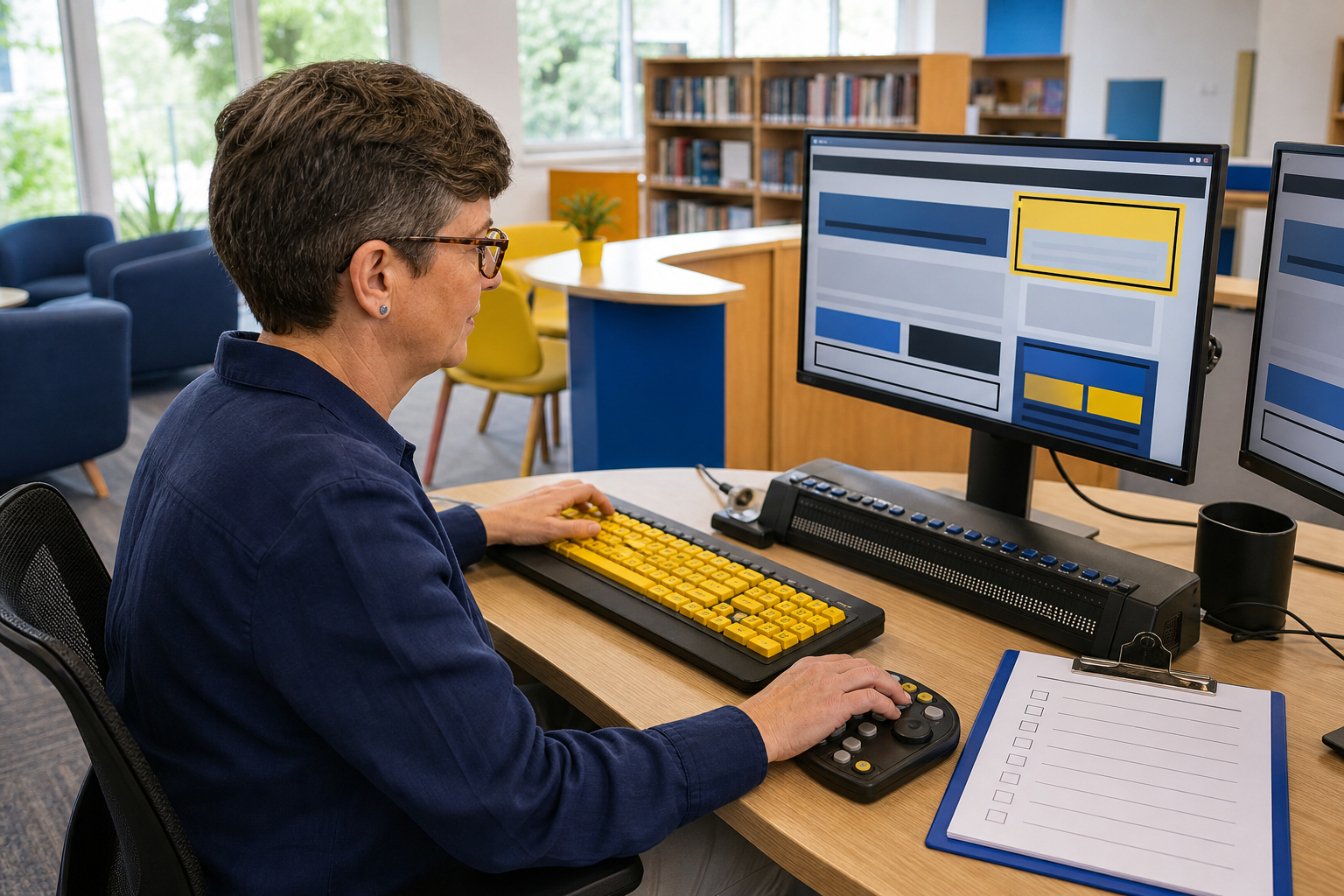
A website can look polished and still create barriers for customers, staff or suppliers who use keyboards, screen readers, magnification or other assistive technology. Accessibility is part of the digital service experience, from the first page visit through to forms, bookings, documents and support.
Test the real customer journey
Start with the tasks that matter to the business: finding a service, requesting a quote, booking an appointment, completing a form or contacting support. Test those journeys with a keyboard as well as a mouse. Check that focus is visible, the order makes sense and no control traps the user.
Make structure and content clear
Use meaningful headings, descriptive link text, useful image descriptions and labels that stay connected to their fields. Do not rely on colour alone to communicate an error or status. Keep important instructions close to the action they describe.
Review forms and documents
Forms should explain what is required, identify errors clearly and avoid making people re-enter information unnecessarily. Check PDFs, downloadable documents and customer emails as well as the main website. A technically accessible page can still lead to an inaccessible document or process.
Check mobile, zoom and assistive technology
Test on a phone, at increased text size and with common keyboard navigation patterns. Where the website supports important customer or staff workflows, include screen-reader or assistive-technology testing in the release checklist. Automated tools can find useful issues, but they do not replace a person completing the journey.
Make accessibility part of maintenance
Add accessibility requirements to website briefs, content reviews, plugin updates and supplier work. Keep a short issue list, prioritise barriers that stop people completing key tasks and retest after design or template changes.
Accessible digital services are easier to use for more people and can reduce avoidable support requests, abandoned forms and lost enquiries. Treat accessibility as an ongoing quality practice rather than a one-off redesign task.
Sources





Leave a comment