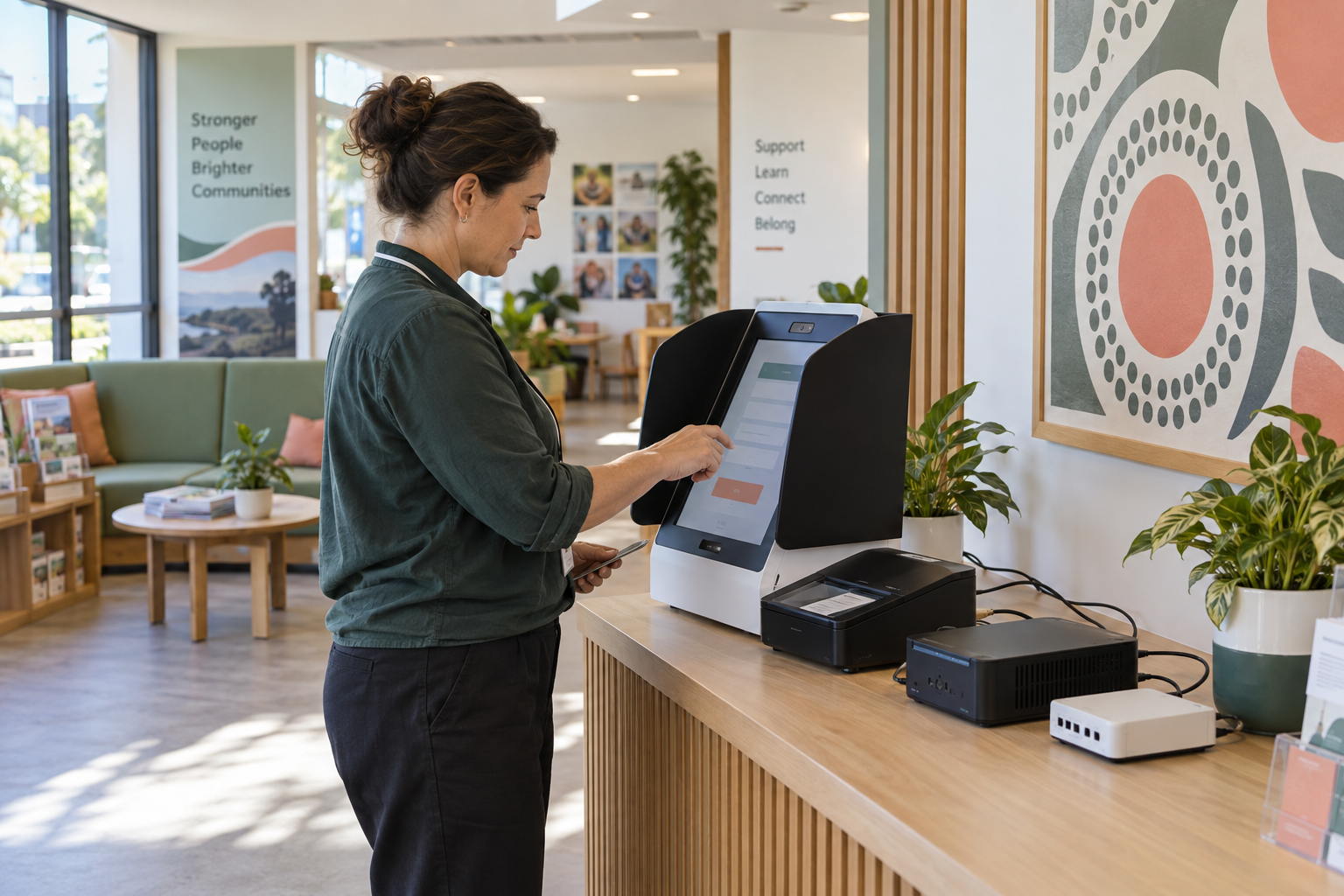
Online forms and customer portals are now part of everyday business. They collect enquiries, bookings, applications and support requests, then pass information into email, CRM, payment or service systems. That convenience also creates a direct path into your business data.
Collect only what you need
Review every field and remove information that is not necessary for the stated business purpose. Avoid collecting sensitive details simply because a form builder makes it easy. Explain why information is collected, how it will be used and how a customer can contact the business with a privacy question.
Protect the form and the portal
Keep the website, plugins, form builder and portal software updated. Use secure hosting and encrypted connections. Turn on multi-factor authentication for administrator and supplier accounts, and remove old users. Separate public form submission from administrative access wherever the platform allows it.
Control integrations
Map what happens after submission. Check which CRM fields, inboxes, spreadsheets, payment services and automation tools receive the data. Use the smallest practical permissions, avoid sending sensitive information into systems that do not need it and review API keys or connectors regularly.
Watch for unusual activity
- Keep useful access and change logs.
- Alert on repeated failed logins, unexpected exports or sudden submission spikes.
- Confirm that staff can identify and report suspicious changes.
- Test that backups and recovery instructions cover the form and connected data.
Make a simple response plan
Decide who disables a compromised form, who contacts the website or software provider and who assesses affected information. Keep a current list of suppliers, administrator accounts and escalation contacts. If an incident may involve personal information, get appropriate privacy and legal advice promptly.
A practical first review
Choose one customer-facing form this week. Submit a test record, trace where it travels, check who can access it and remove one unnecessary permission or data field. Small, documented improvements reduce risk without making the customer experience harder.
Sources


Leave a comment