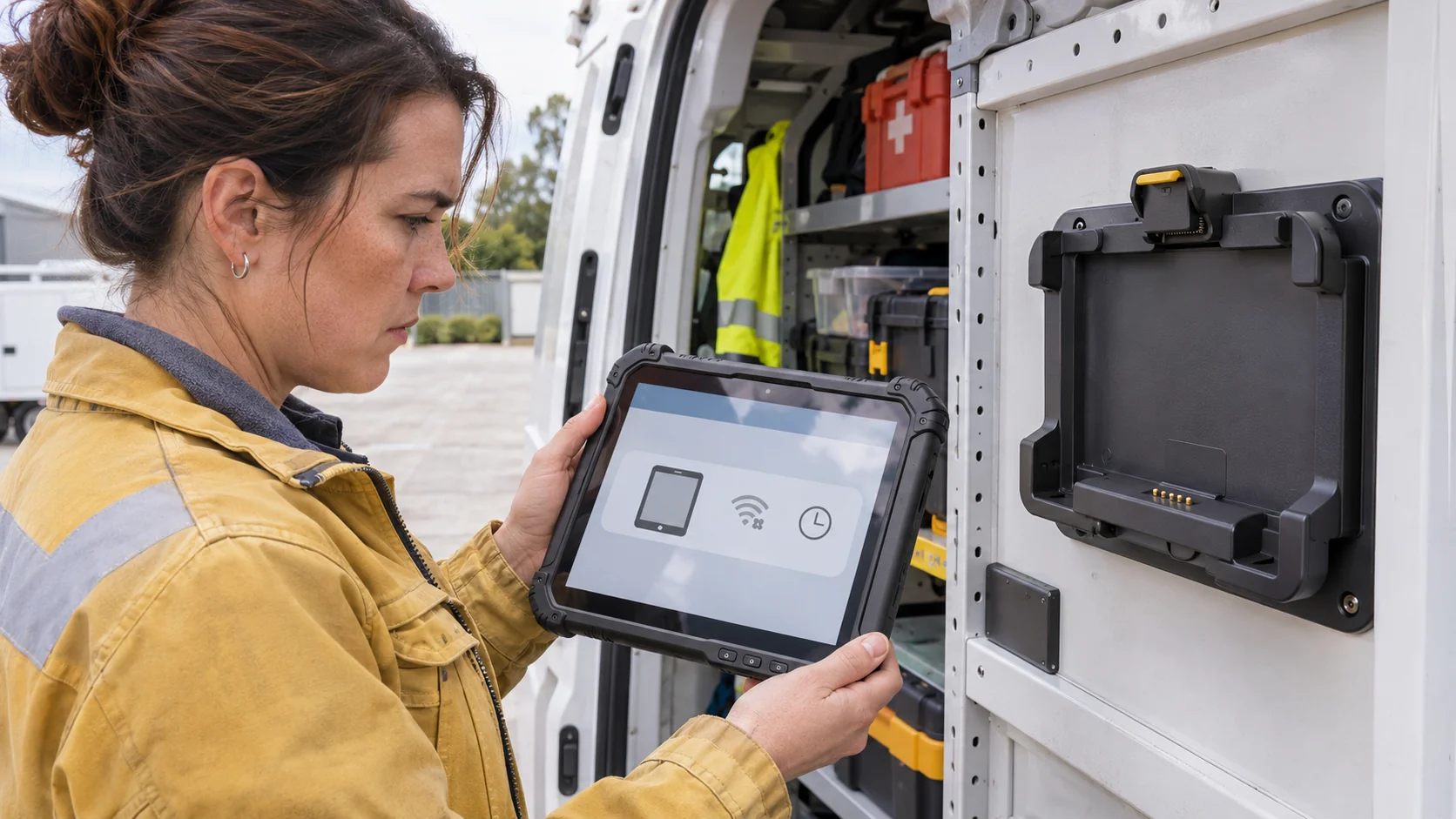
A field technician returns to the depot without the tablet they used for the morning’s jobs. The dispatch manager asks IT to erase it. The console shows a request, but the tablet hasn’t checked in. That is the moment to treat a remote wipe as pending, not to tell customers their information is safe.
A device management service can issue a command without the tablet receiving it. If the device is offline, the command cannot erase the files already on it. For example, Google lists power and a Wi-Fi or mobile data connection as prerequisites for erasing an Android device with Find Hub. Managed fleets can use different tools and status labels. Ask your provider what each status actually proves.
Consider a hypothetical appliance repair business. Its tablets keep job notes available where reception is poor. Those notes may include customer names, addresses and photos. If the missing tablet was unlocked or its protection was inadequate, somebody who finds it might view local records before any command arrives. Blocking the technician’s cloud access can limit new downloads, but it doesn’t remove the notes already on the tablet.
Run the remote wipe and contain access separately
Start with the device record, not just the employee’s name. Confirm the asset ID, who had it, its last check-in, and whether it belongs to the business. Record the reported time and whether it was likely unlocked. Have the authorised IT provider choose the appropriate lock or erase action and record what was requested. If it stays pending, keep that uncertainty in the incident record.
Separately, have IT assess and restrict access from the missing device wherever supported. If account exposure is suspected, revoke relevant sessions and check the apps that manage their own sign-ins. A password change alone doesn’t prove every existing app session has ended. Preserve management and sign-in logs, and review activity from the last known safe use onward. Don’t mistake a quiet cloud log for proof that locally saved files were never opened.
Decide what you can afford to leave offline
The Australian Signals Directorate’s enterprise mobility guidance treats encryption and emergency erasure as separate protections. Check the last known encryption and lock settings before relying on them in an incident. A tablet taken while unlocked is a different case from one taken while powered off. Previous compliance evidence helps the assessment; it doesn’t tell you the state of a device at the instant it disappeared.
For field teams, keep offline access where it avoids missed visits, but limit it to the jobs and fields that genuinely need it. Check if the app lets staff export notes or save photos to a personal gallery. On a personally owned device, a selective wipe may remove company data from managed apps without touching personal data, but it won’t reliably remove copies saved elsewhere. Confirm the limits of your setup before someone loses a device.
Close the incident on evidence, not a button press
Give operations responsibility for identifying the exposed records and IT responsibility for confirming what happened to the device and its access. If your business is covered by Australia’s Notifiable Data Breaches scheme and suspects an eligible breach, assess it promptly. The OAIC’s test considers unauthorised access or disclosure, including loss where access or disclosure is likely, the likelihood of serious harm, and whether remedial action prevented that risk. Don’t wait for an offline tablet to reappear before starting that assessment.
Test the procedure on a spare tablet with dummy jobs. Put it offline, confirm that the console distinguishes a submitted request from an executed action, then reconnect it and check what was removed. Write down who decides what to tell customers if the device never checks in. Xpansion’s managed IT and security services can help review endpoint controls and agree who responds when a device goes missing.
References
- Australian Signals Directorate: Guidelines for enterprise mobility
- Office of the Australian Information Commissioner: When to report a data breach
- Google Android Help: Find, secure, or erase a lost Android device
- Microsoft Learn: Wipe only corporate data from Intune-managed apps
- Microsoft Learn: Revoke user access in Microsoft Entra ID