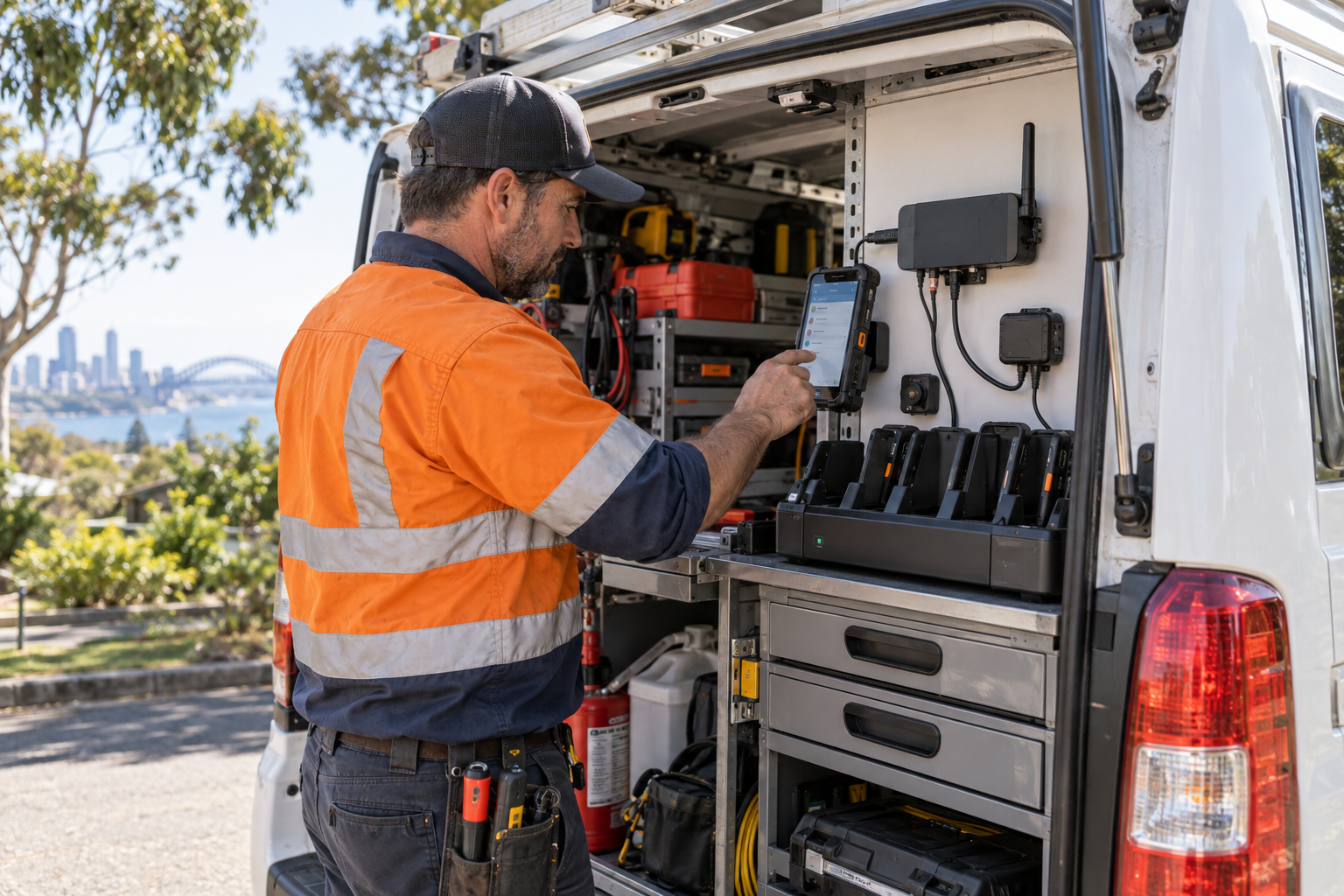
Field teams depend on phones, tablets, mobile apps and remote access to keep jobs moving. That convenience also means a lost device, weak account or unmanaged connection can expose customer information and business systems.
Know every mobile endpoint
Keep an inventory of staff phones, rugged tablets, vehicle equipment, SIMs, applications and cloud accounts. Record who owns each device, what information it can access, how it is updated and how it will be recovered when a worker leaves.
Protect the device itself
Use screen locks, encryption, automatic updates and device-management controls wherever the platform supports them. Keep administrator rights limited. Separate business data from personal use and make sure a lost device can be locked or wiped without relying on the device being returned.
Plan for offline work
Field applications may store work orders, addresses, photos or customer notes while disconnected. Set sensible local retention limits and protect synchronisation when the device reconnects. Avoid storing more information offline than the job requires.
Control remote access and suppliers
Use named accounts, multi-factor authentication and least-privilege access for cloud systems and supplier support. Review SIMs, charging equipment, vehicle routers and telematics connections as part of the technology environment, not as separate exceptions.
Prepare for loss and change
Document what staff should do after a lost device, suspicious login, outage or theft. Test the process, revoke access promptly during offboarding and keep a recovery path for essential work orders.
Sources


Leave a comment