Your website is often the first place a customer checks your services, products, opening hours, contact options or support information. If the site is difficult to read, navigate or operate, people may leave before reaching the information they need.
Why accessibility matters for SMEs
Web accessibility means designing and building content so people with different visual, hearing, movement and cognitive needs can use it. It also improves usability for many other customers, including people using mobile devices, slower connections or temporary impairments.
Use WCAG 2.2 as a practical reference
WCAG 2.2 provides a shared set of testable success criteria organised around four principles: perceivable, operable, understandable and robust. Treat it as a useful quality framework, not a promise that one automated scan proves a website is accessible.
Start with the important journeys
- Can a customer find a service, product or opening-hours page using headings and navigation?
- Can someone complete your enquiry, booking or checkout form with a keyboard?
- Do labels, instructions and error messages explain what needs to be fixed?
- Do text, controls and focus indicators remain clear at different sizes and contrast settings?
- Can customers use the site on a phone without sideways scrolling or hidden controls?
Test technology and people
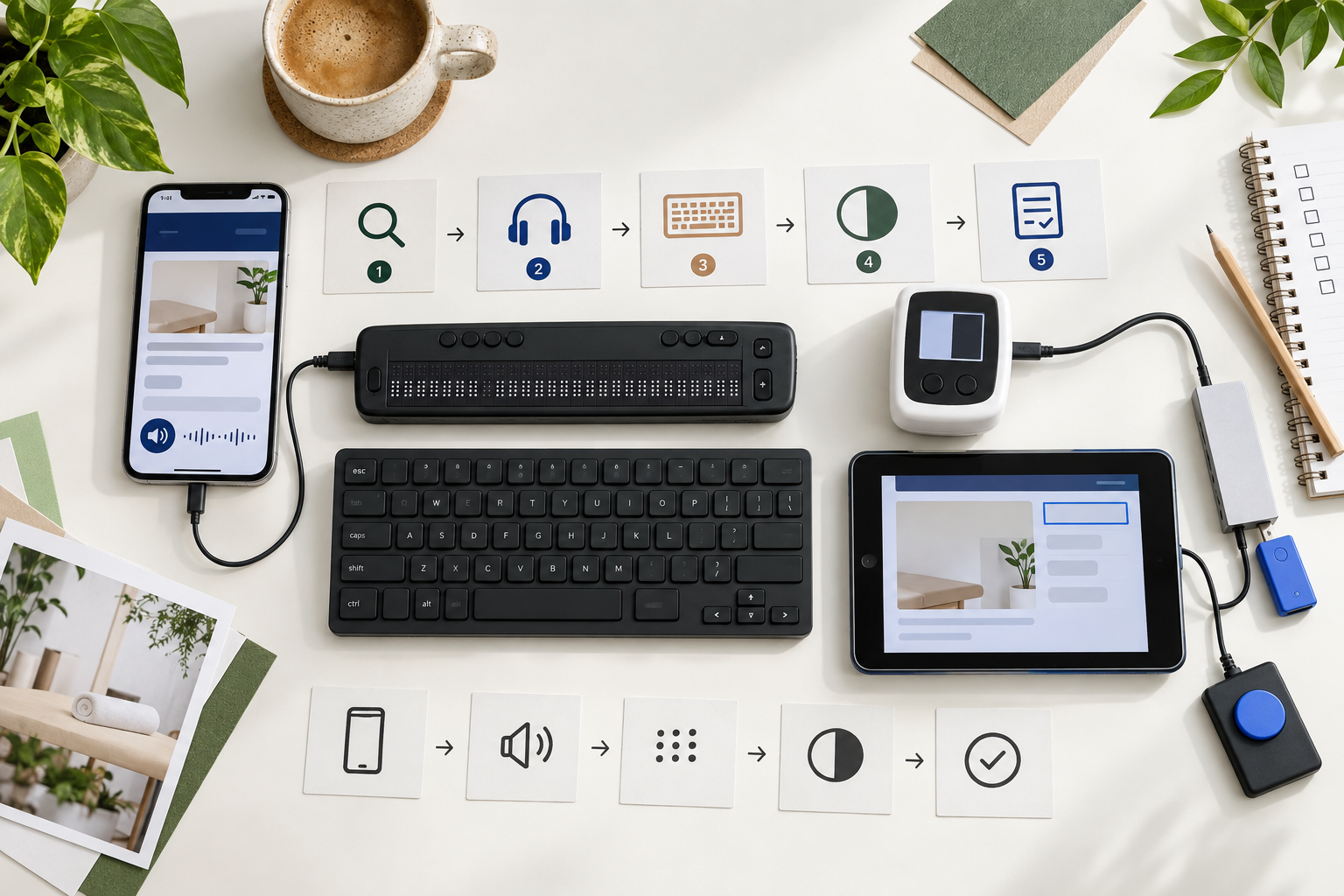
Combine automated checks with keyboard-only testing, zoom, mobile testing and a screen reader where possible. Test the complete process, not only the home page. A form can have good colour contrast and still fail because its focus order, labels or error handling are unclear.
Make accessibility part of normal IT work
Add accessibility requirements to website briefs, plugin selection, content reviews and change tickets. Keep alternative text meaningful, use descriptive links, provide captions or transcripts for relevant media, and check documents before uploading them. Record important barriers and assign an owner for fixing them.
Choose one customer journey this week and test it from start to finish. Fix the barrier that prevents completion, then repeat the check after the next website update. That simple habit is more valuable than treating accessibility as a once-a-year compliance exercise.
Sources
- business.gov.au: Set up a business website
- business.gov.au: Develop your digital strategy
- business.gov.au: Online and digital



Leave a comment